A handover can fail even when every image arrives intact. The recipient may not know which version is approved, whether the files are originals or small previews, or which caption belongs to which photograph. Begin by defining the task: viewing a family collection, printing a selection, continuing an edit or retaining an archive. Each purpose needs a different package.
Agree on usable formats before exporting a large set. A recipient without the editing application may need ordinary image files as well as any project material intended for later work. If editable work is part of the handover, identify the catalogue, linked originals, sidecars and other dependencies required by that application. Do not assume the project file contains everything it references.
Make the package understandable without a conversation
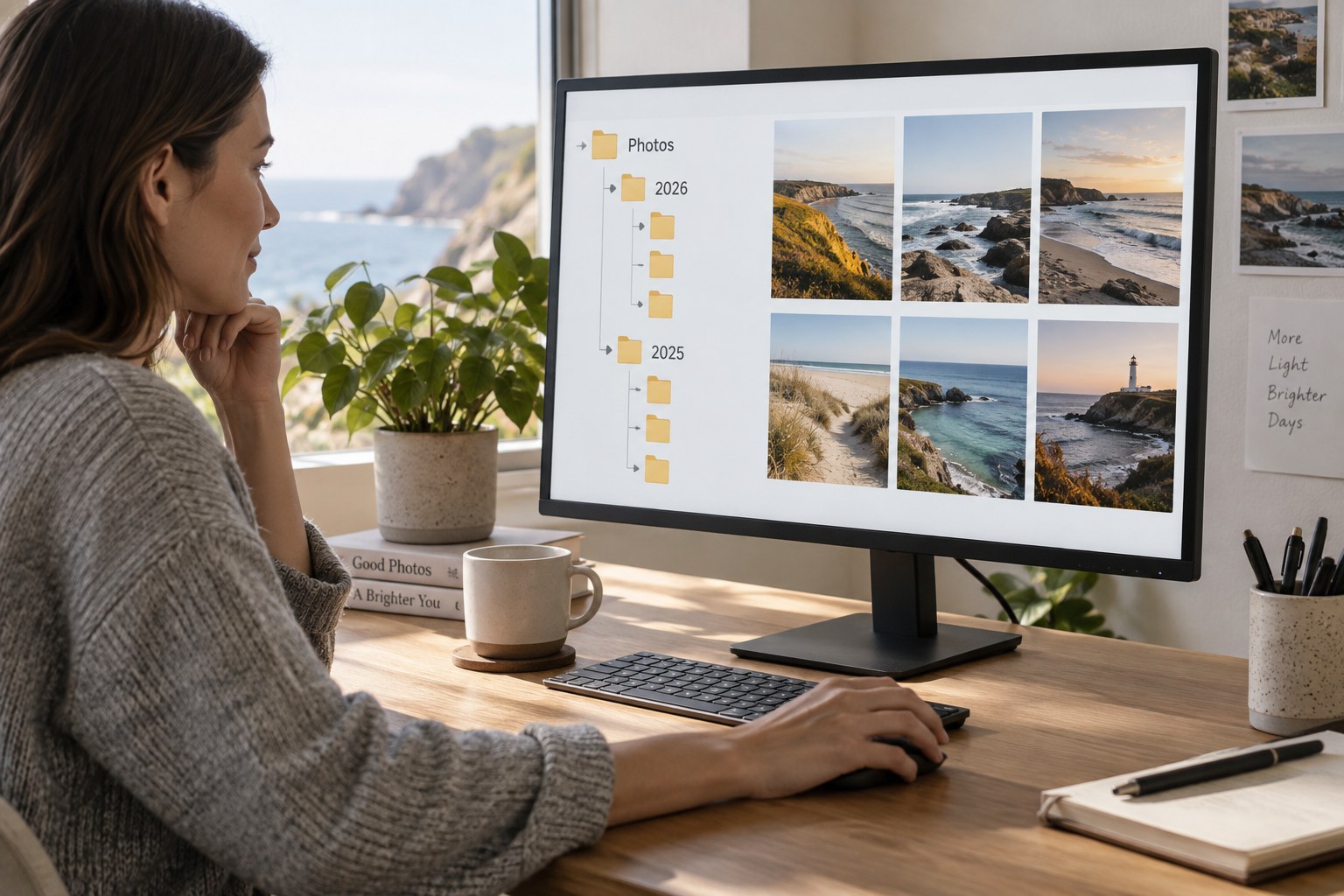
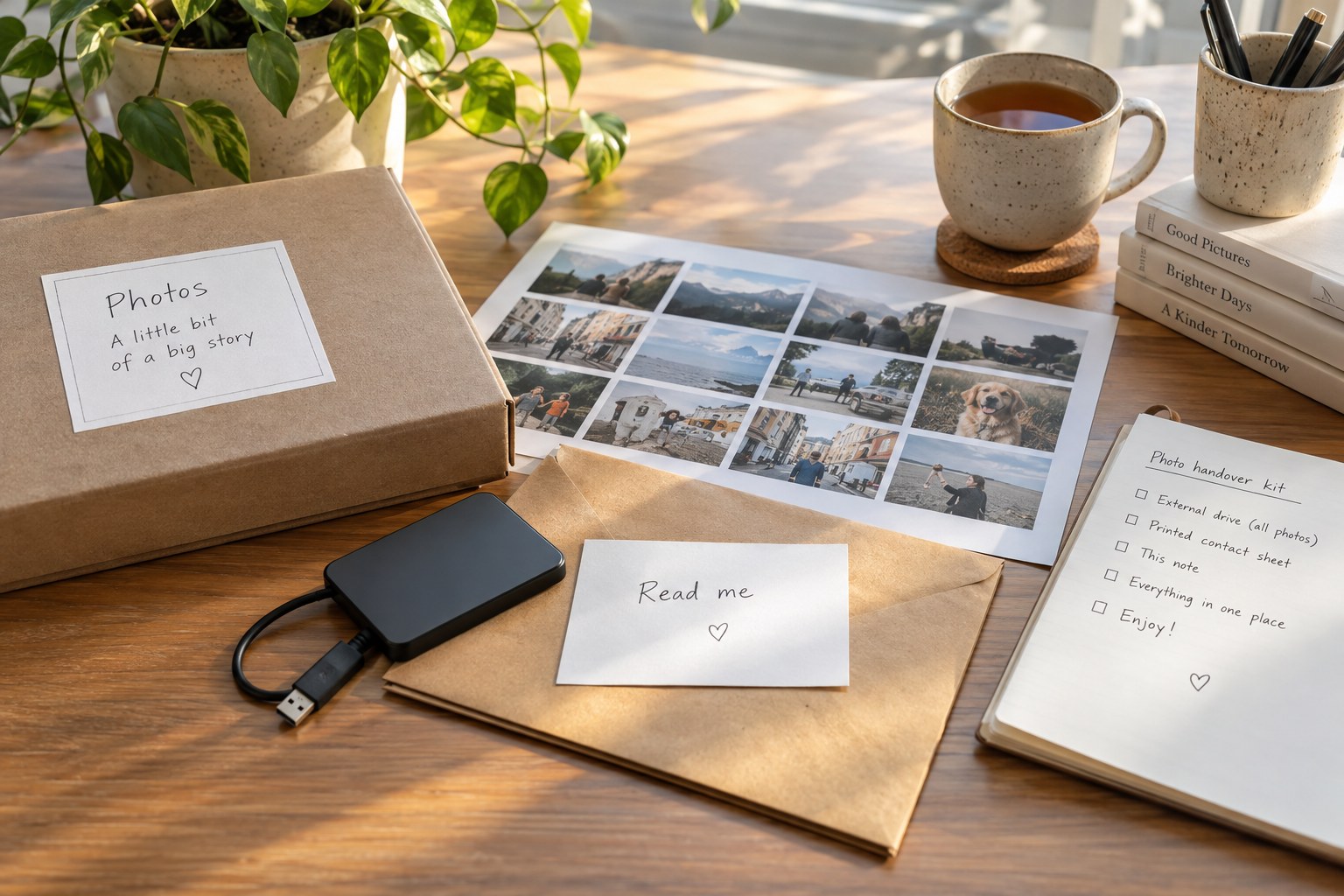
Use a clear top-level folder and a short readme. State the collection's purpose, its date range, the meaning of subfolders and which files are the intended final images. Include the image count and any known omissions. Plain language is more useful than abbreviations that only make sense within your own archive.
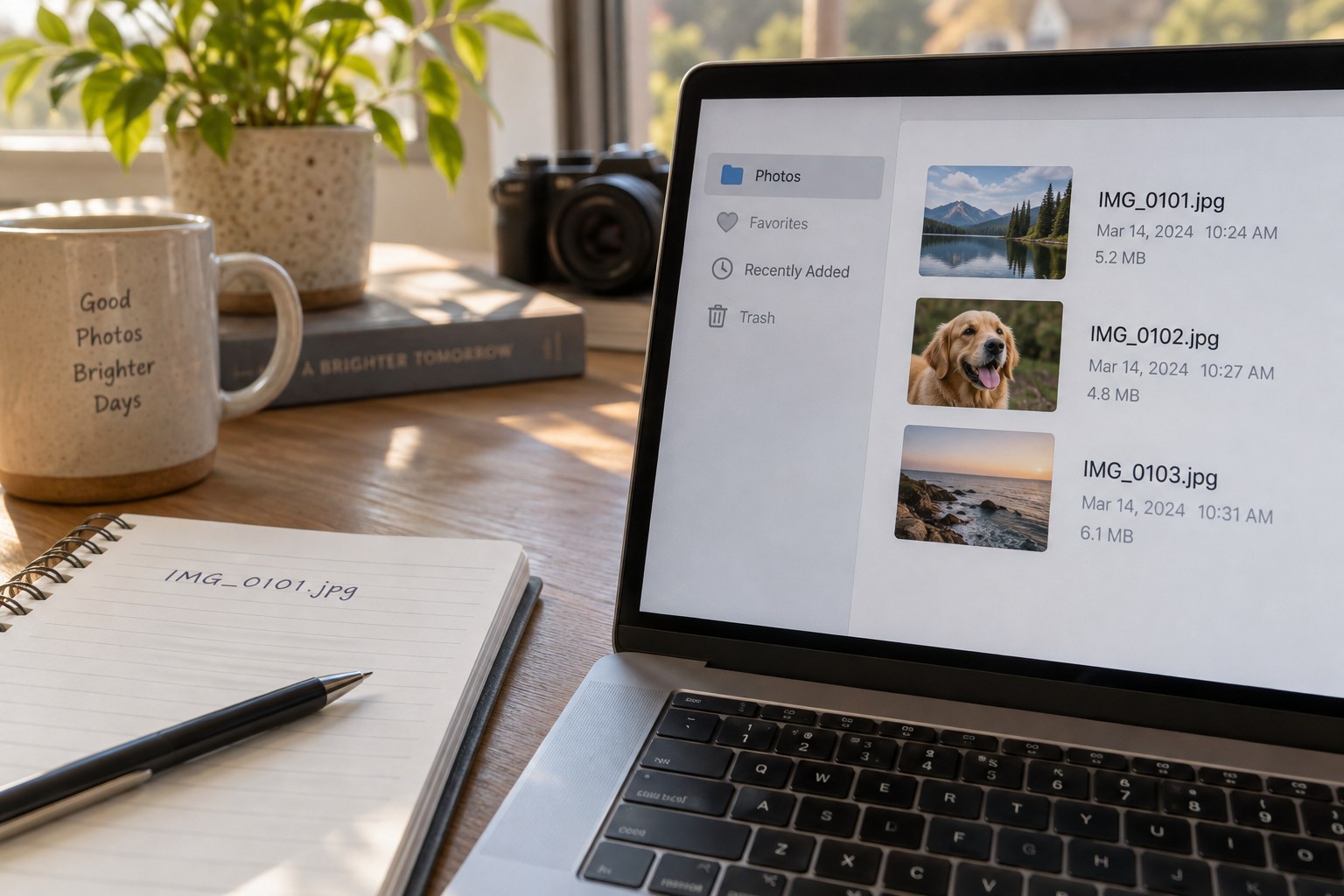
Keep captions or identification notes connected through stable filenames or identifiers. If a spreadsheet carries the text, include a simple version that can be read without specialist software when possible. A caption named only “image three” becomes ambiguous as soon as someone sorts the folder differently.
Separate viewing copies from originals or editable assets. The recipient should not have to infer quality from file size. Describe any resized, cropped or restored versions and preserve the relationship to the source. If some items have uncertain dates or identifications, carry that uncertainty into the handover rather than making the metadata appear more definite.
Check what leaves your own system
Review private information in both the visible image and embedded metadata. Exact locations, private names or contact details may not be necessary for the recipient's purpose. Remove or retain them deliberately in the delivery copy while preserving the appropriate private record. A handover to one family member and a public gallery upload are not equivalent audiences.
Confirm that you have the necessary permission to share the material and describe any agreed use restrictions accurately. Do not imply that ownership of a digital file automatically grants unlimited rights to every person or object pictured. Where permissions are uncertain, resolve that question separately rather than hiding it in a vague filename.
Open the package from a separate location as a recipient would. Check representative files, captions and any internal links. If it is an archive file, extract it to a new folder and inspect the extracted contents. A successful compression operation does not prove that all intended dependencies were included.
Use an agreed transfer method and verify receipt. Keep the sent package unchanged until the recipient confirms it can be opened. For an archive handover, explain the need for a separate backup without claiming that the transfer link itself is permanent storage. The handover is complete when the other person can use the collection for its stated purpose, not merely when the upload finishes.
Test the recipient's starting point
Imagine handing a family collection to someone who has never used your catalogue. A folder called exports may be obvious to you but says little about whether those images are suitable for printing. Include a short example in the readme: which folder to open for viewing, which files are the larger copies and where names or dates can be found. Then ask the recipient to locate one named photograph using only that information.
If the task fails, improve the package rather than adding a long spoken explanation that will be forgotten. Rename ambiguous folders or add a small index. For an editable project, a similar test is opening one image and making a temporary export without your original storage devices connected. This reveals missing dependencies while the sender can still supply them. Keep the test separate from permanent changes to the delivered originals.