Organise & protect
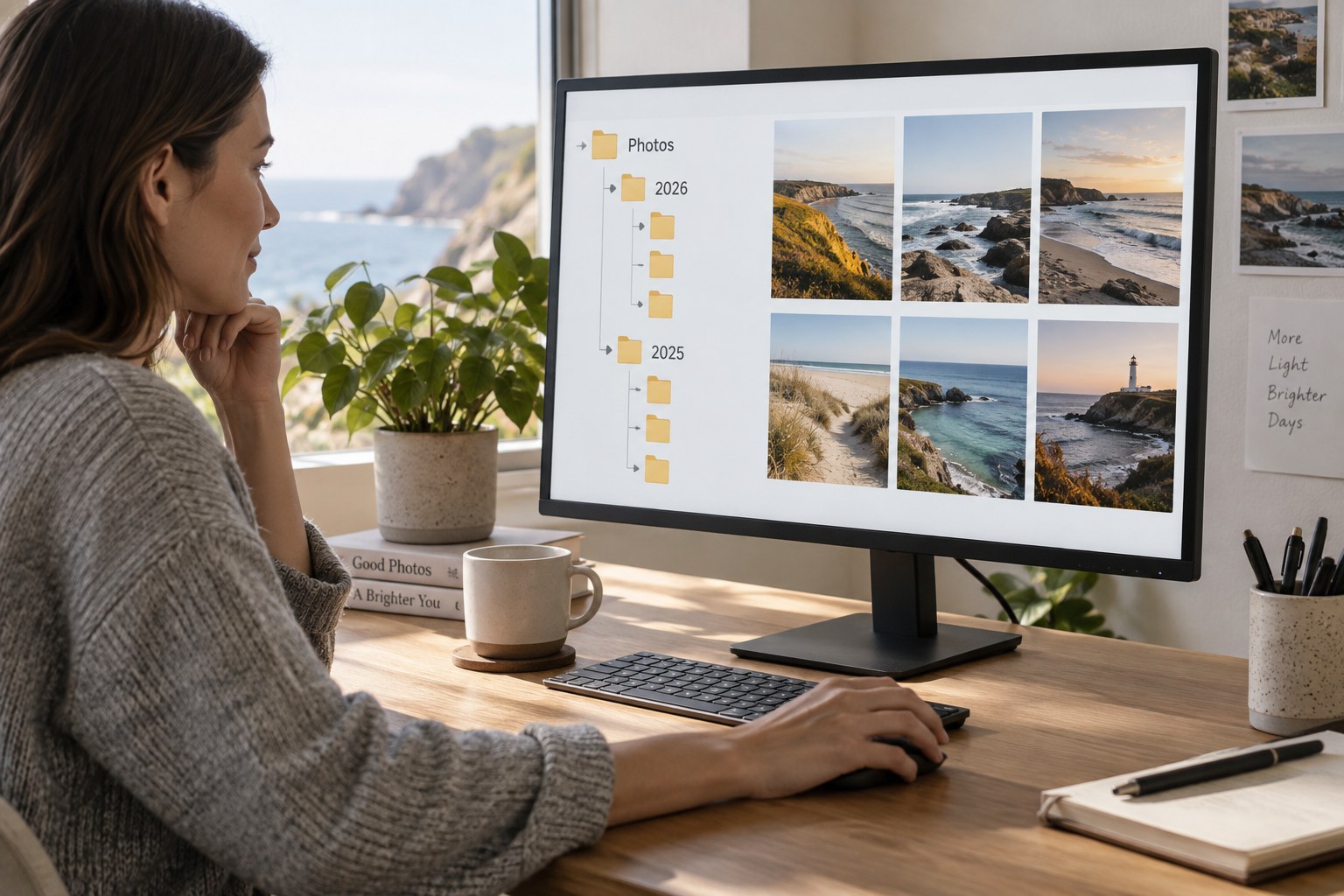
Build a photo folder structure you can explain
A folder structure should answer where an original belongs and how to find it again without requiring the memory of its creator.
Journal / 022
Search the journal and explore individual questions about photography.
22 articles
Organise & protect
A folder structure should answer where an original belongs and how to find it again without requiring the memory of its creator.
Organise & protect
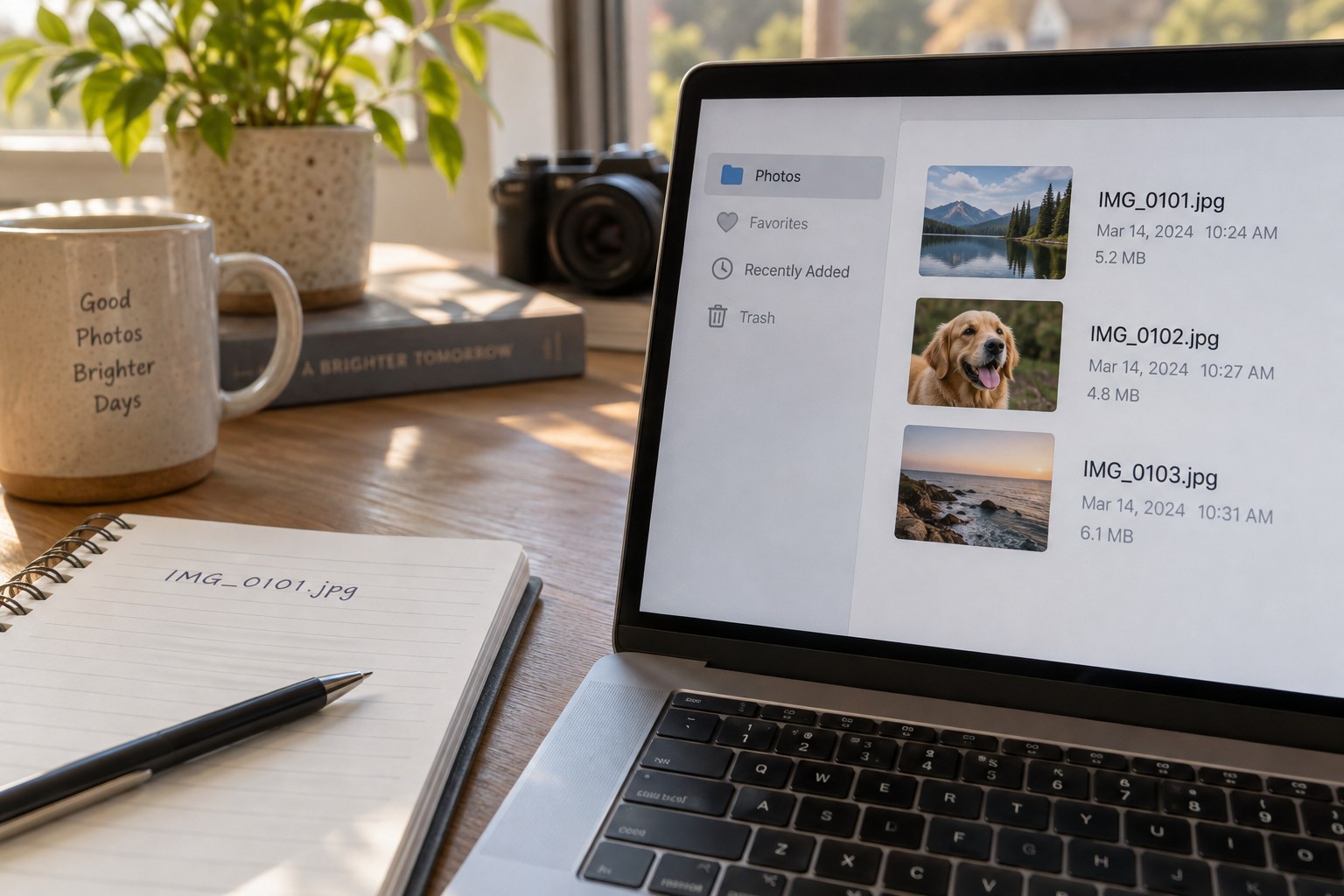
Rename photographs only when the new name improves identification, and preserve a way back to the original camera filename.
Organise & protect
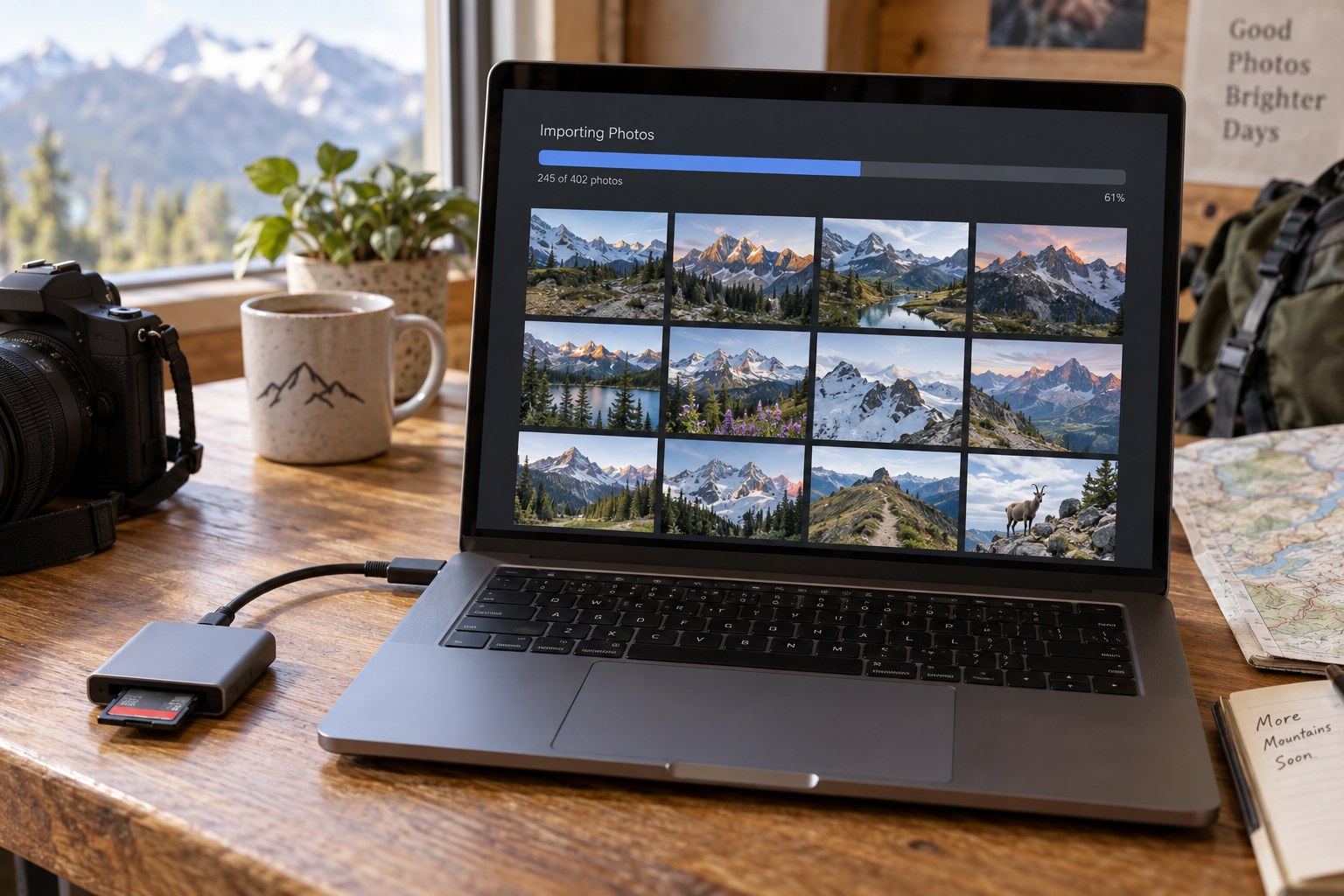
Prevent duplicate imports by tracking the card, destination and completed transfer, rather than assuming matching filenames always mean matching photographs.
Organise & protect
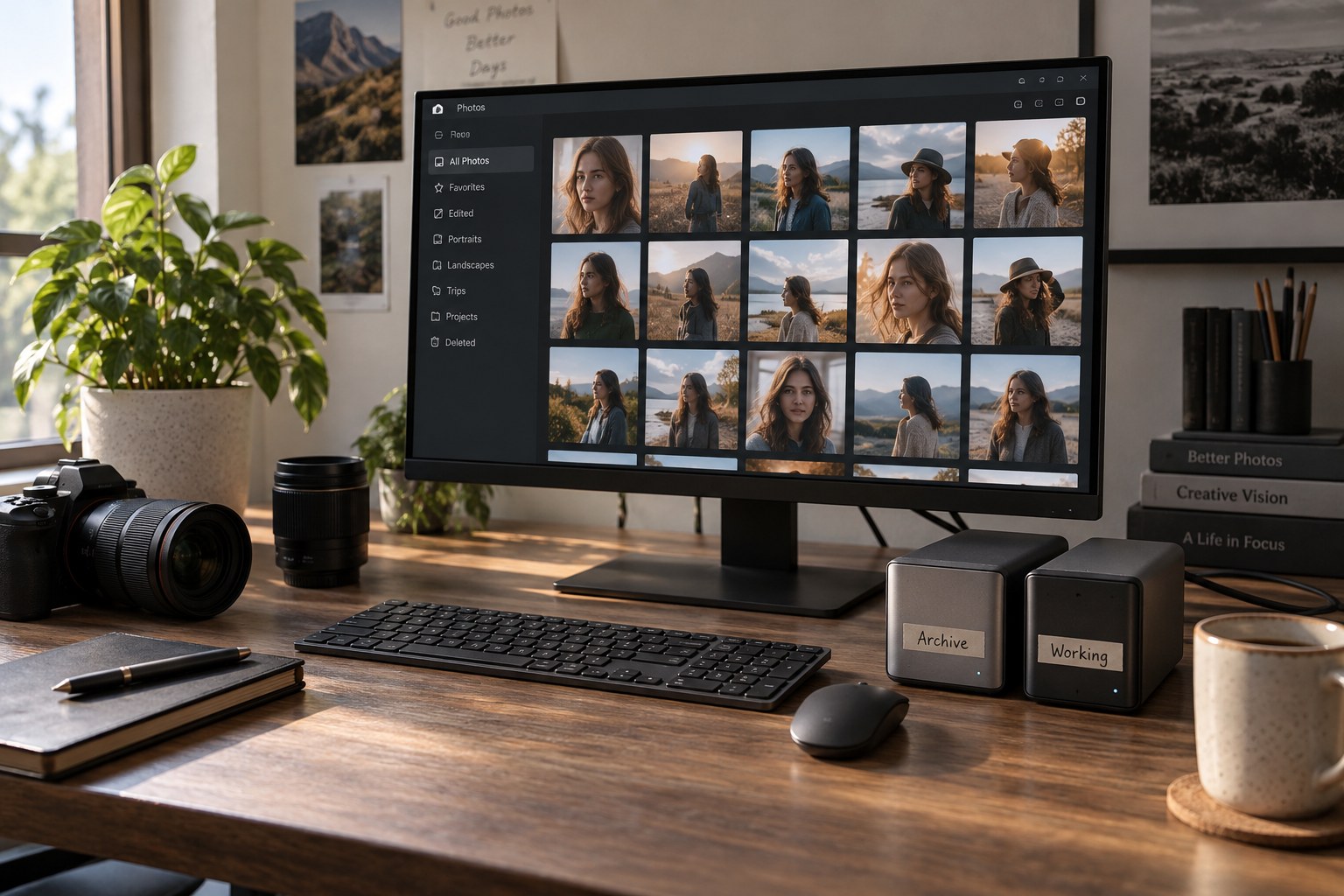
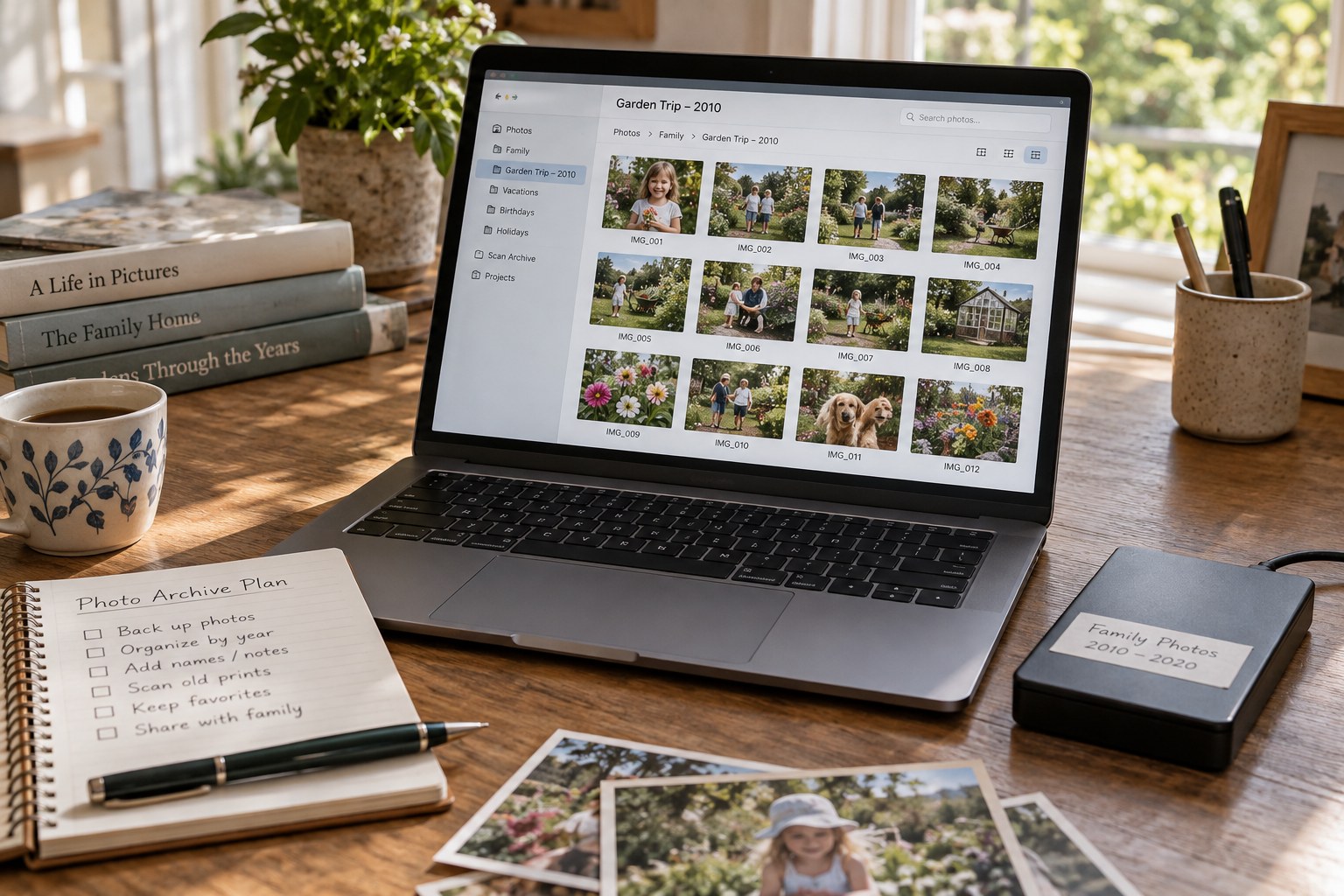
An archive preserves source material and its history; a working folder holds the files currently being changed. Give each a clear role before separating them.
Organise & protect
A backup plan needs to preserve photographs, editing information and the ability to recover them after more than one kind of failure.
Organise & protect
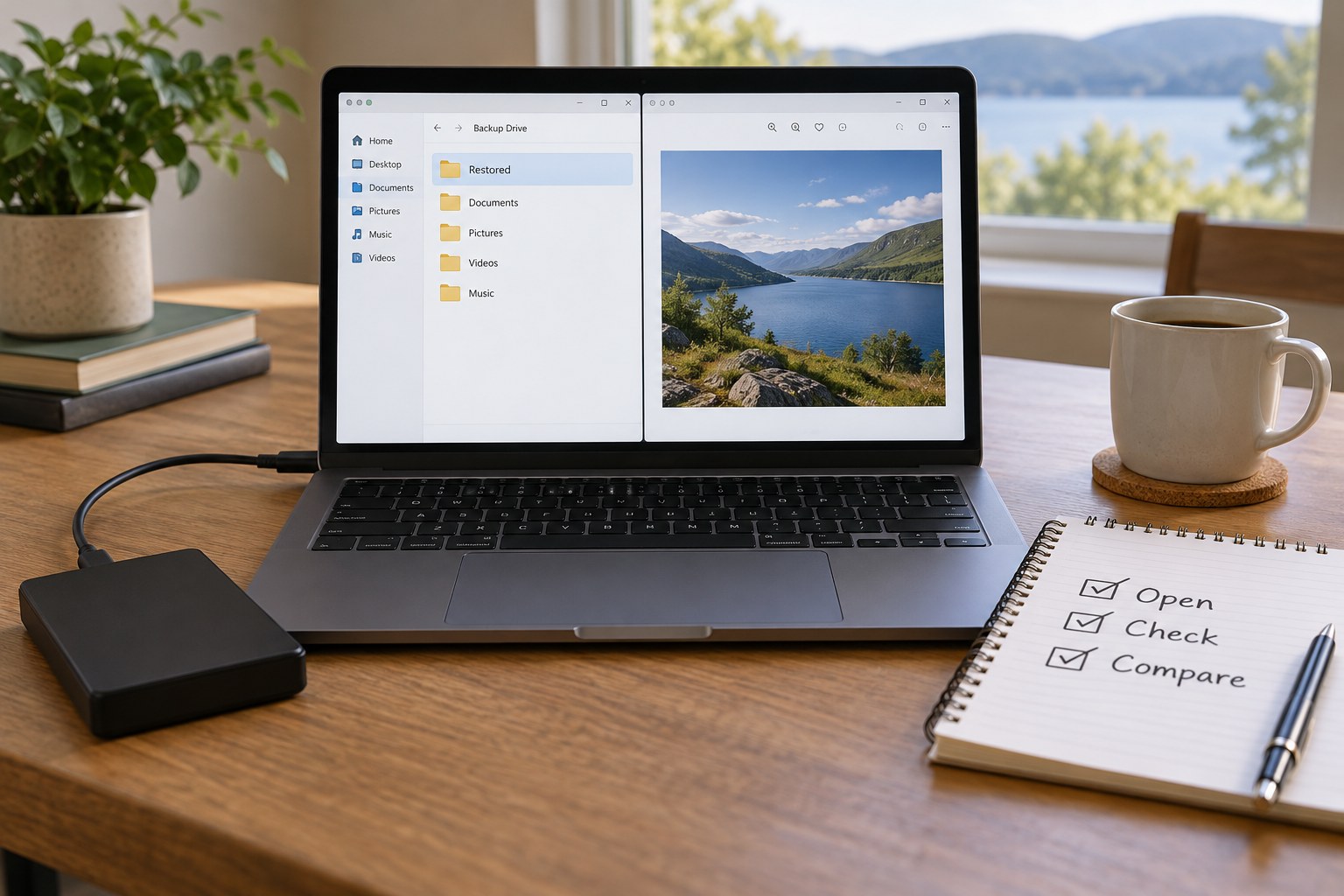
A successful backup message proves that a process ran. A restore test checks whether the files and relationships you need can actually be recovered.
Organise & protect
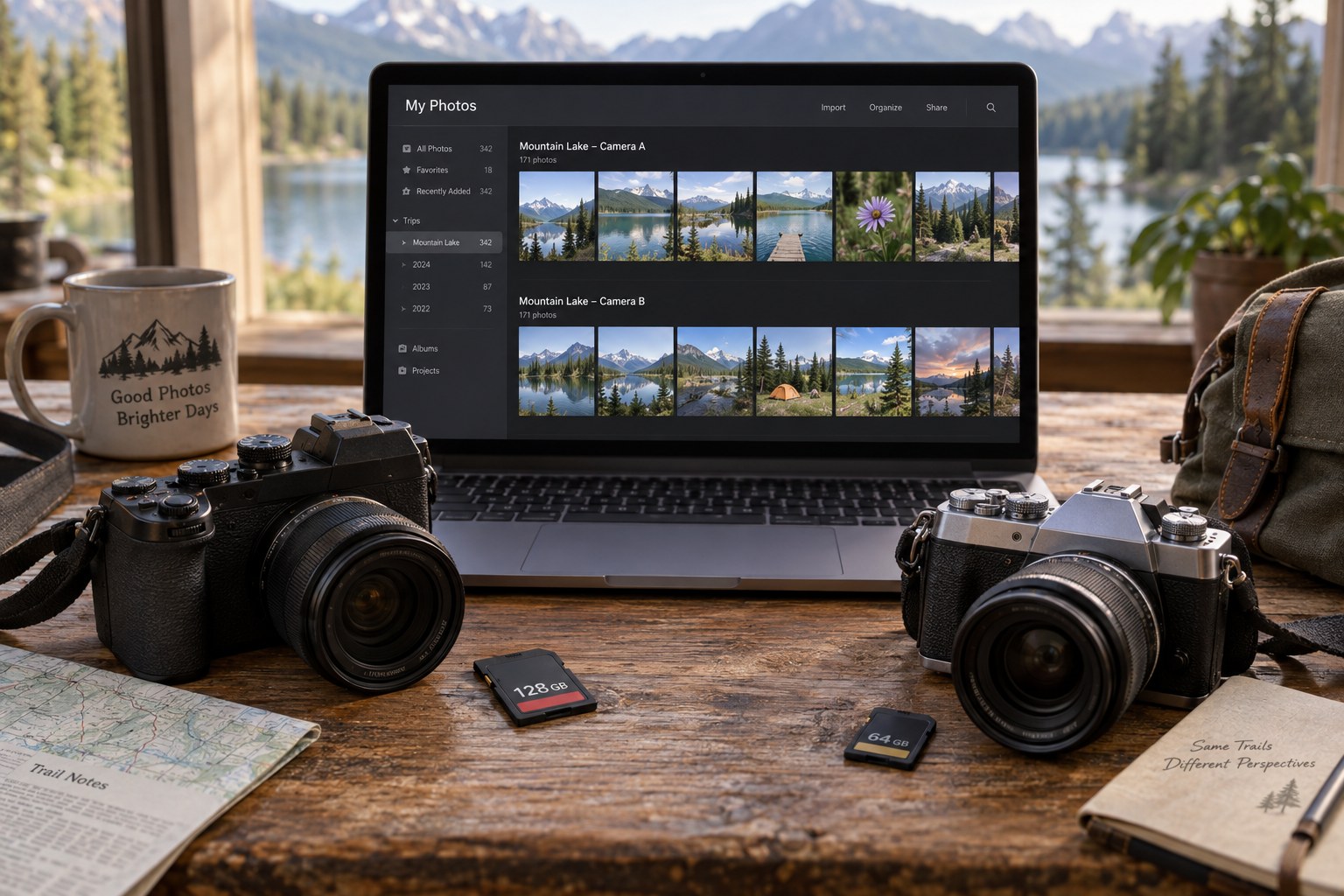
Combining cameras is mainly an identity and timing problem. Preserve each source before trying to make the photographs appear in one chronological sequence.
Organise & protect
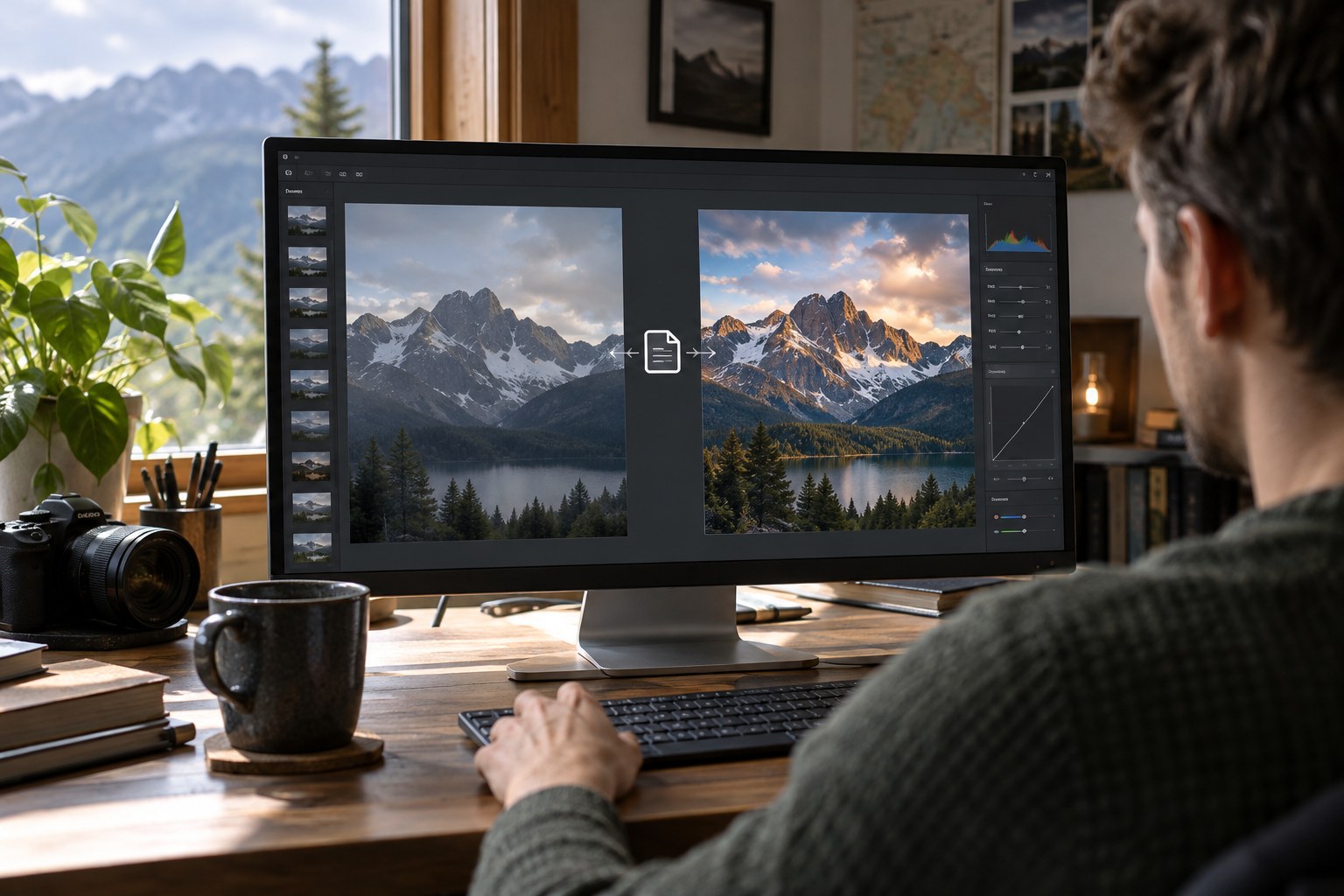
An edited RAW photograph may depend on a catalog, sidecar or separate working file. Identify that dependency before moving or sharing the image.
Organise & protect
Use ratings to answer a selection question. Leaving most photographs unrated can make the meaningful decisions easier to find.
Organise & protect
Compare expression and technical quality separately so that the sharpest frame does not automatically displace the photograph that communicates best.
Organise & protect
Choose keywords by imagining a future search rather than trying to describe every visible object in every photograph.
Organise & protect
Keep location information specific enough to help you find a photograph while making uncertainty and privacy choices visible.
Organise & protect
Distinguish byte-identical files from visually similar photographs before deciding which copies can be removed.
Organise & protect
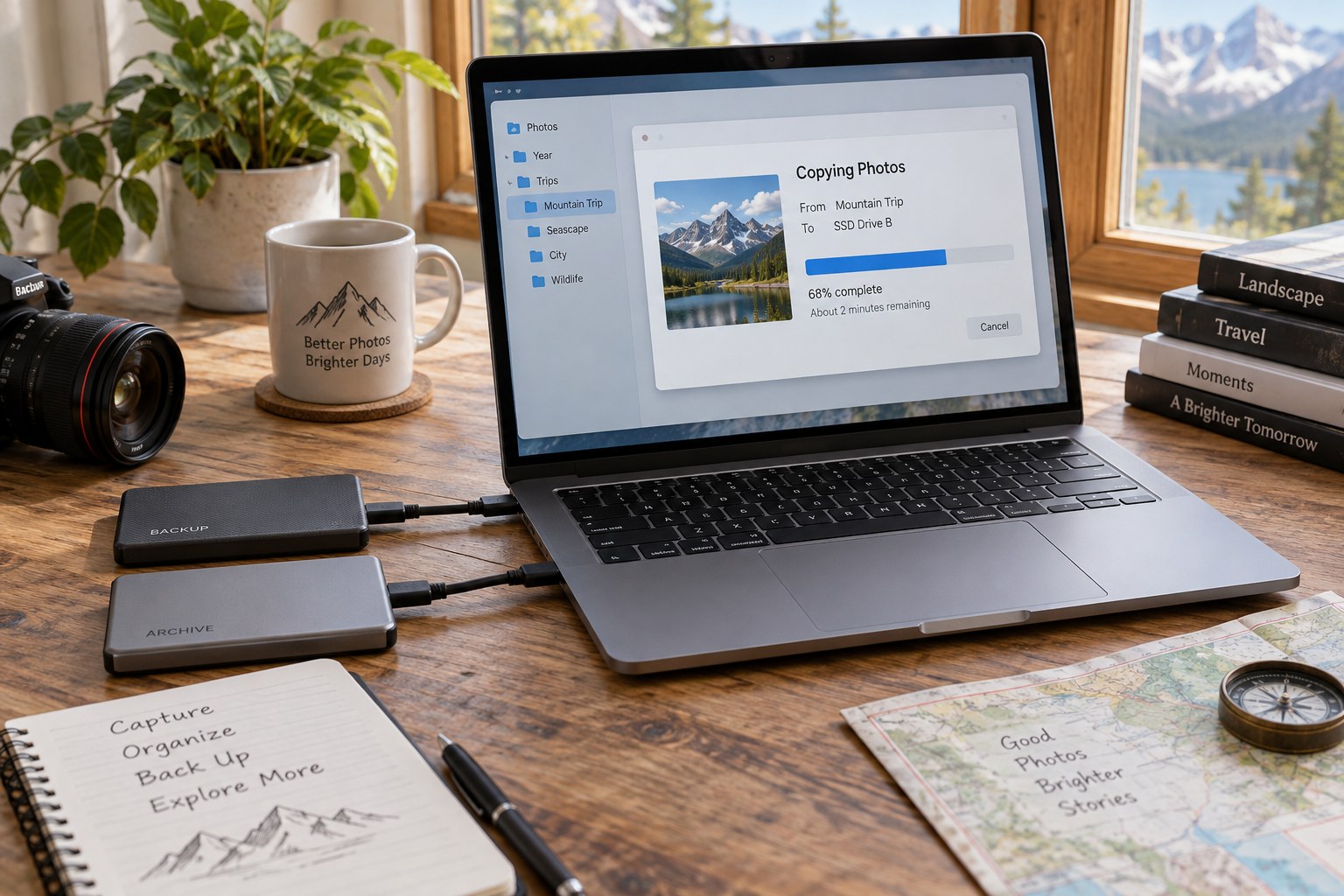
Move a photo library as a set of connected files and records, then verify the destination before retiring the old copy.
Organise & protect
Make a travel backup routine that can be completed when you are tired, with a clear distinction between copied, checked and safe to reuse.
Organise & protect
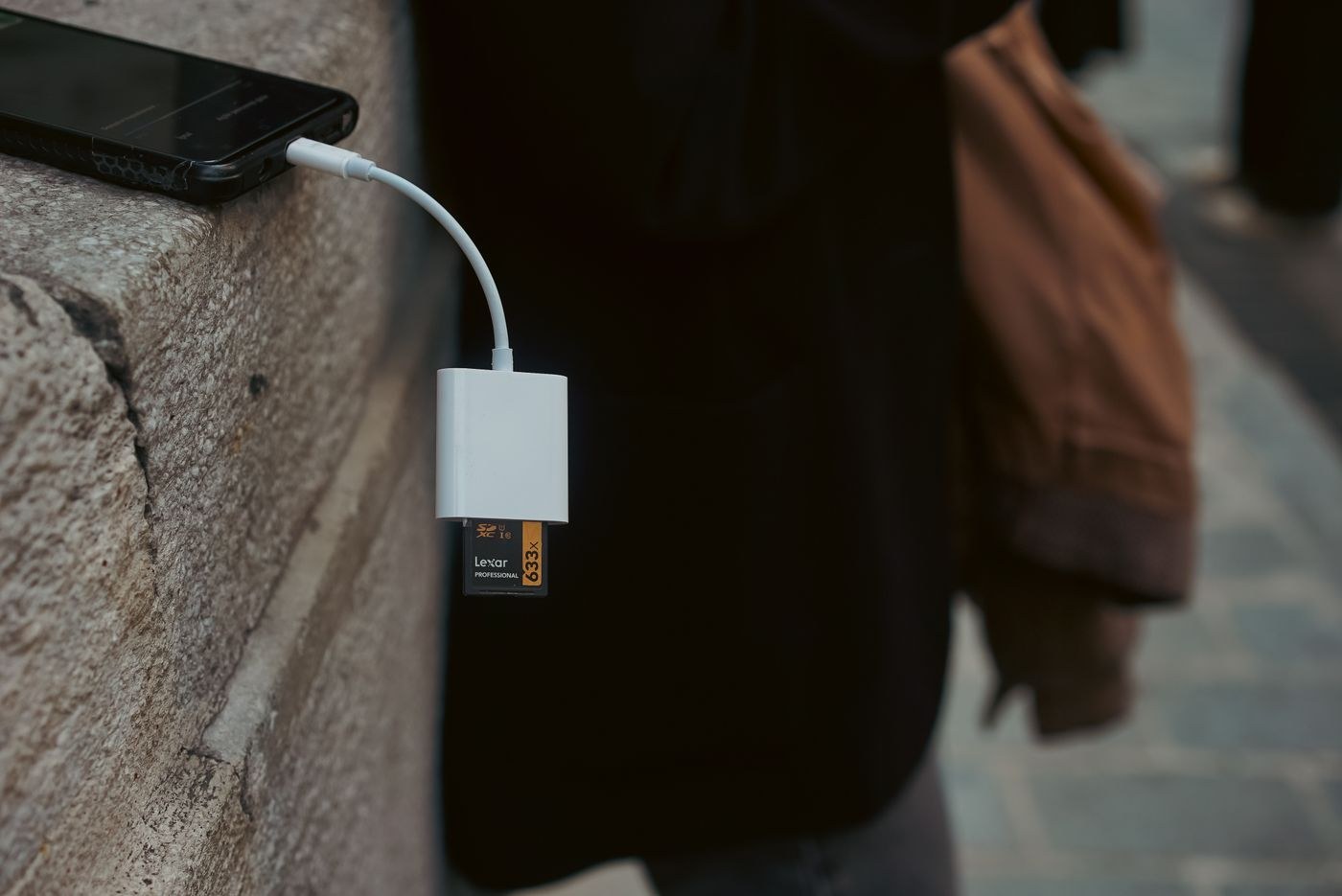
Archive phone photographs in a way that preserves originals, dates and useful companions rather than collecting only the copies shared through messages.
Organise & protect
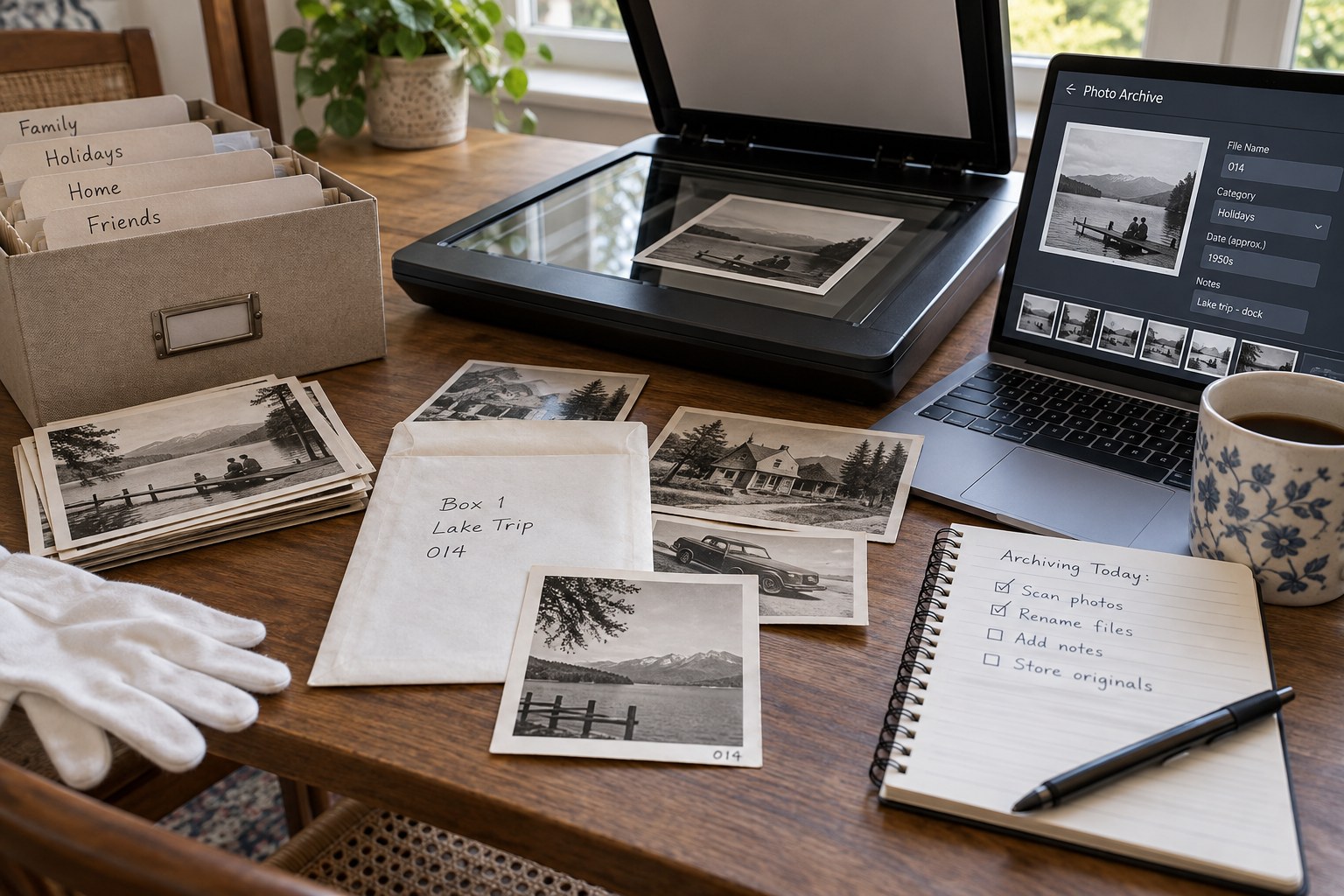
Connect each scan with the physical photograph and the information around it before the original collection is rearranged.
Organise & protect
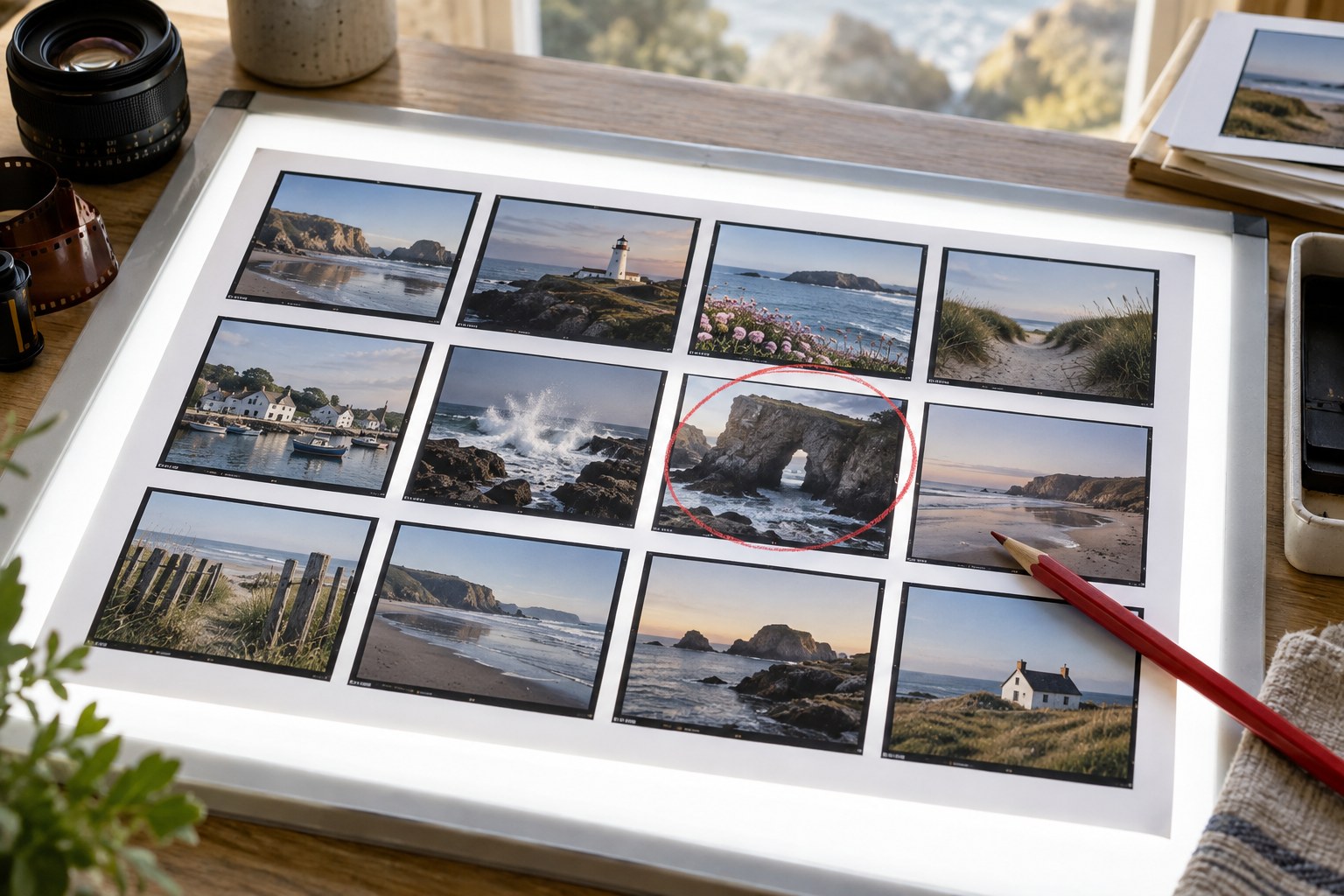
Use a contact sheet to compare the relationships between photographs while keeping enough detail to recognise each candidate.
Organise & protect
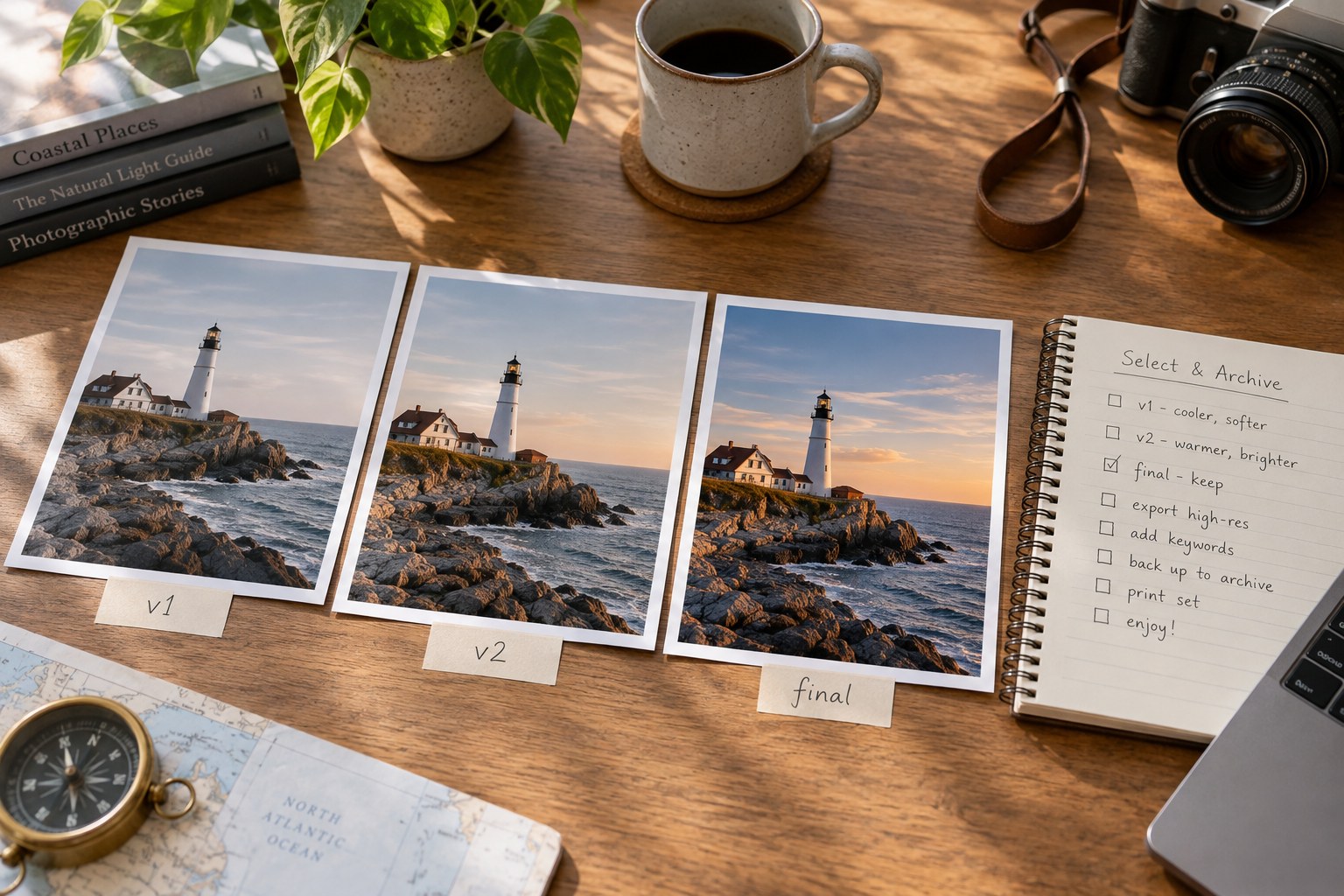
Distinguish a creative version from a delivery format so that the number of files does not obscure which photograph each one represents.
Organise & protect
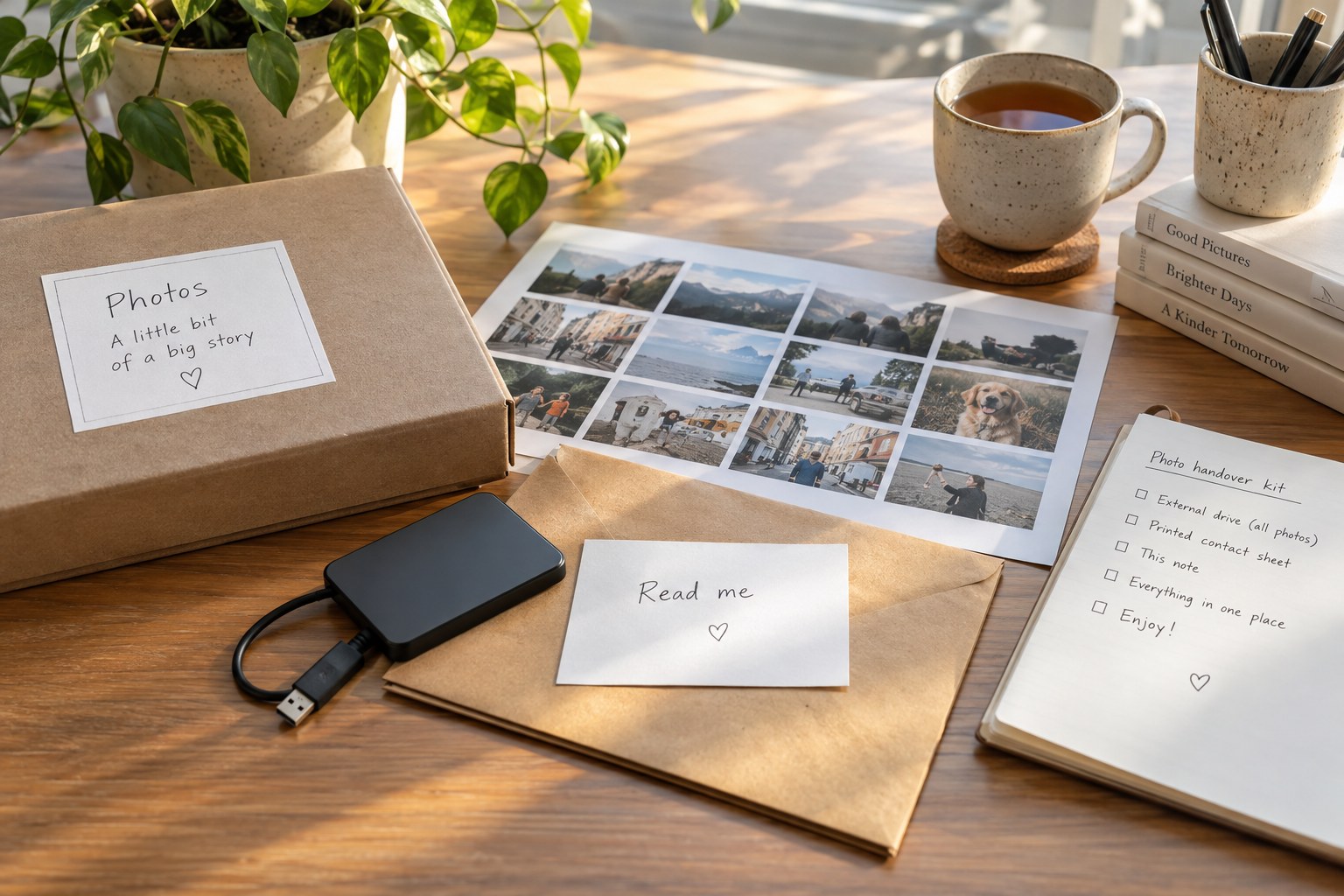
Prepare a photo handover around what the recipient needs to open, understand and preserve, rather than sending an unexplained folder of files.
Organise & protect
Review an old folder by identifying what it contains and what is missing before attempting a complete reorganisation.
Organise & protect
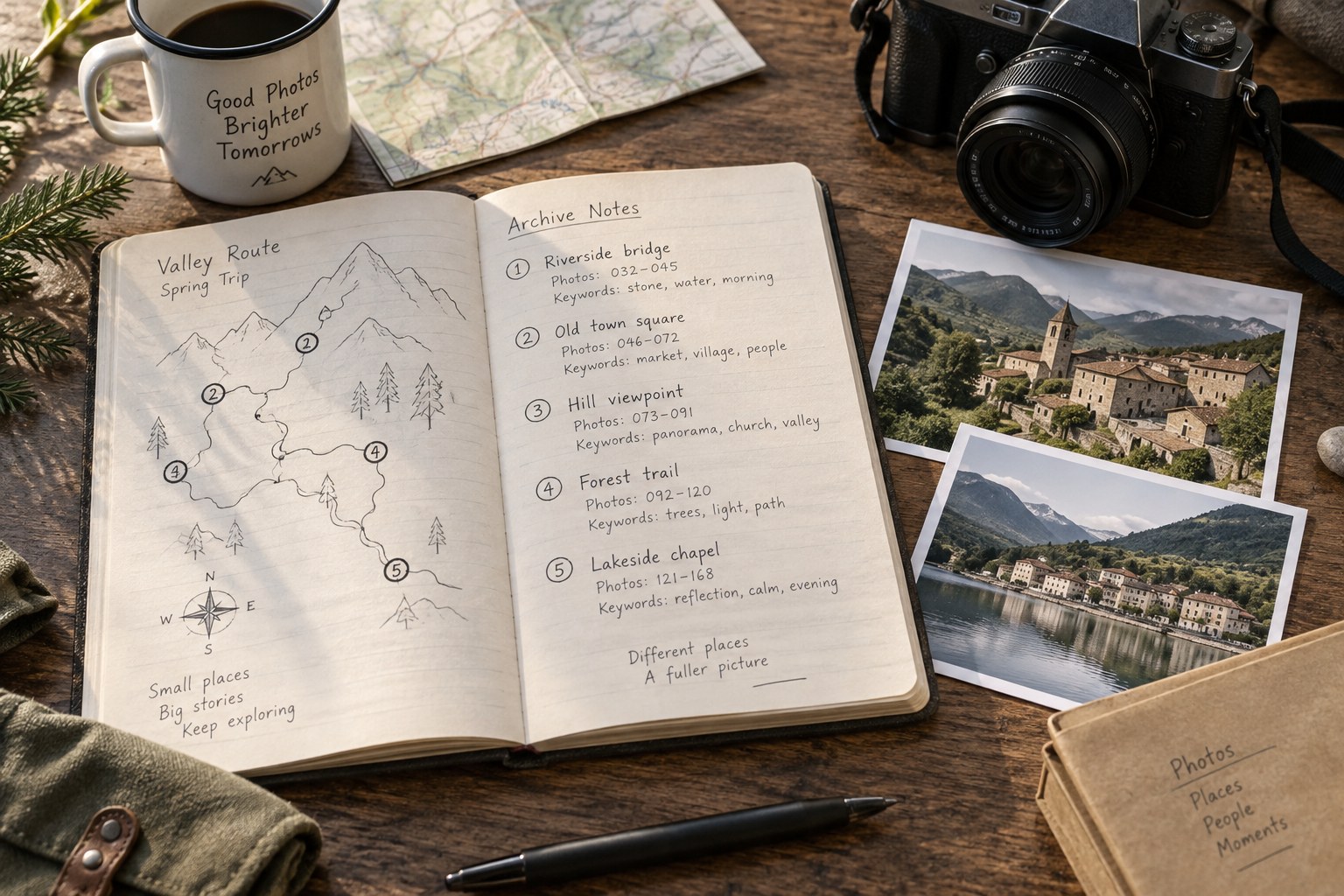
Leave a small plain-language note that explains an archive's structure, dependencies and unfinished work to someone opening it later.
No matching articles. Change the search or clear the selection.