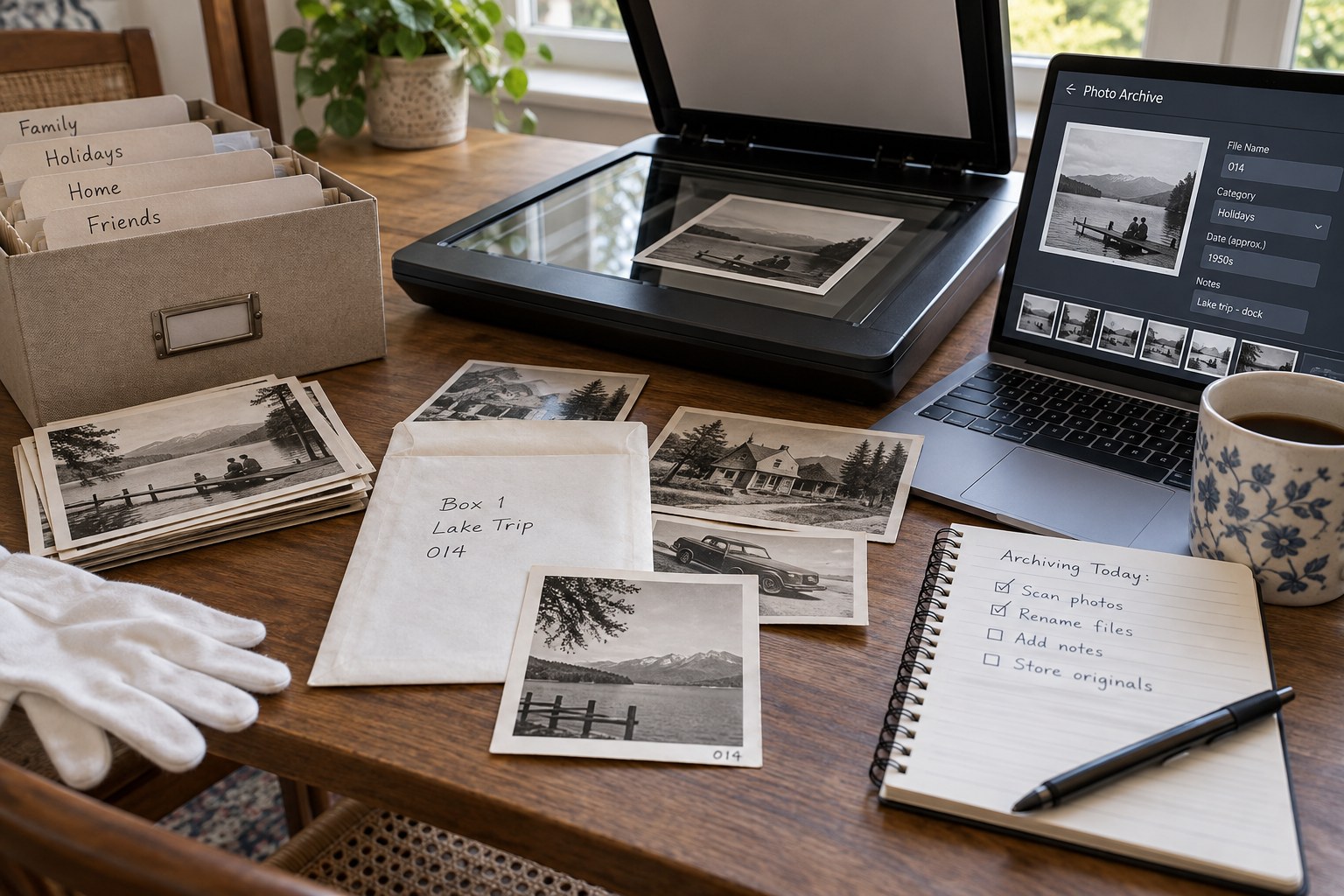
A scan can preserve the visible image while losing its context. The back of a print may name the people; an album page may establish a sequence; an envelope may supply the only date. Decide how those companions will be recorded before separating the photographs for scanning.
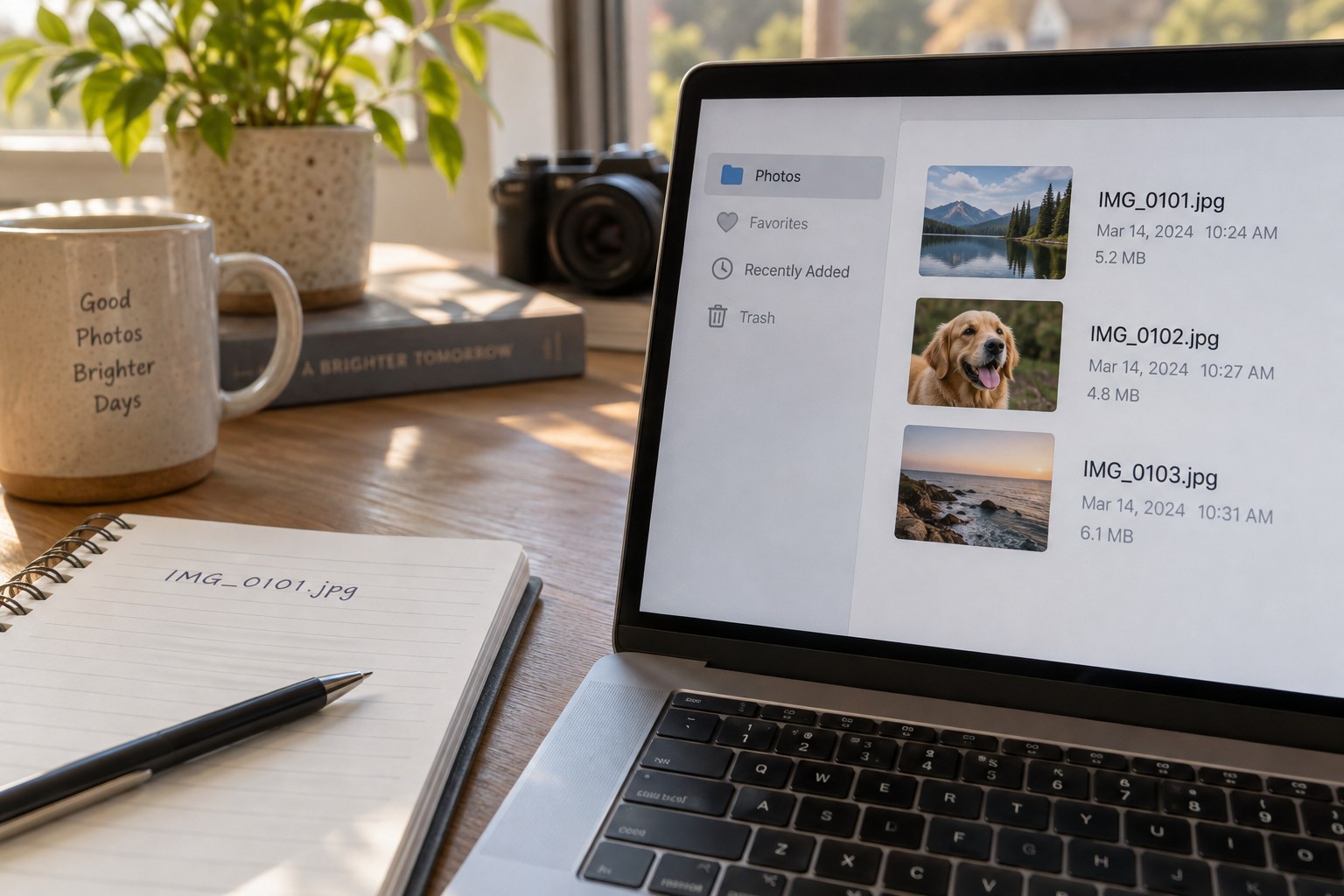
Give each physical item a simple identifier in the working record. Use that identifier in the scan filename and in any associated notes. It need not be written directly on the photograph. A numbered enclosure or a temporary worksheet can make the connection without altering the object.
If the reverse contains information, scan or photograph it as a companion and use a clear suffix such as front and back. Record the fact that a back is blank when that distinction matters to the project. Otherwise, a future reader may not know whether it was omitted deliberately or simply forgotten.
Preserve the source arrangement
Before removing pictures from an album or envelope, photograph the arrangement if doing so can be done without damaging it. Record page numbers and positions. Do not force stuck photographs out of an album merely to create cleaner individual scans; fragile materials may need conservation advice.
Transcribe captions into a searchable note, but keep an image of the original handwriting where possible. Preserve uncertain readings as uncertain. A question mark or an explicit “name unclear” helps later correction more than a confident guess. Note who identified a person and when if the information comes from conversation rather than the object itself.
Keep a preservation-oriented master scan separate from restored or cropped versions. A repaired face, removed stain or straightened border may be useful for an album, but the unaltered scan records what the source looked like. Make filenames show the relationship so that the polished version does not silently replace the record.
After scanning a group, check that every item in the worksheet has its expected files and that front and back companions correspond. Open examples at full size to catch an incomplete scan or an accidentally repeated item. Then return physical photographs to their recorded housing.
Store the index with the scans and include both in the backup routine. A folder of numbered images without its key is only partly organised. The aim is that someone who did not perform the scanning can understand which object a file represents and where its names, dates and interpretations came from.