Choose a separate destination for the test, clearly labelled as temporary recovery work. Never restore over the live photo library merely to find out whether the backup works. Keep the test independent of the original location so that opening a restored catalog cannot quietly use the original photographs and conceal a missing backup component.
Select a varied sample: a recent original, an older photograph, a large file, a sidecar or editing project, and a catalog if your workflow uses one. Include a photograph with a visible edit or a known rating so there is something to verify beyond its mere presence. Also test an earlier version if the backup claims to preserve version history.
Recover without borrowing from the source
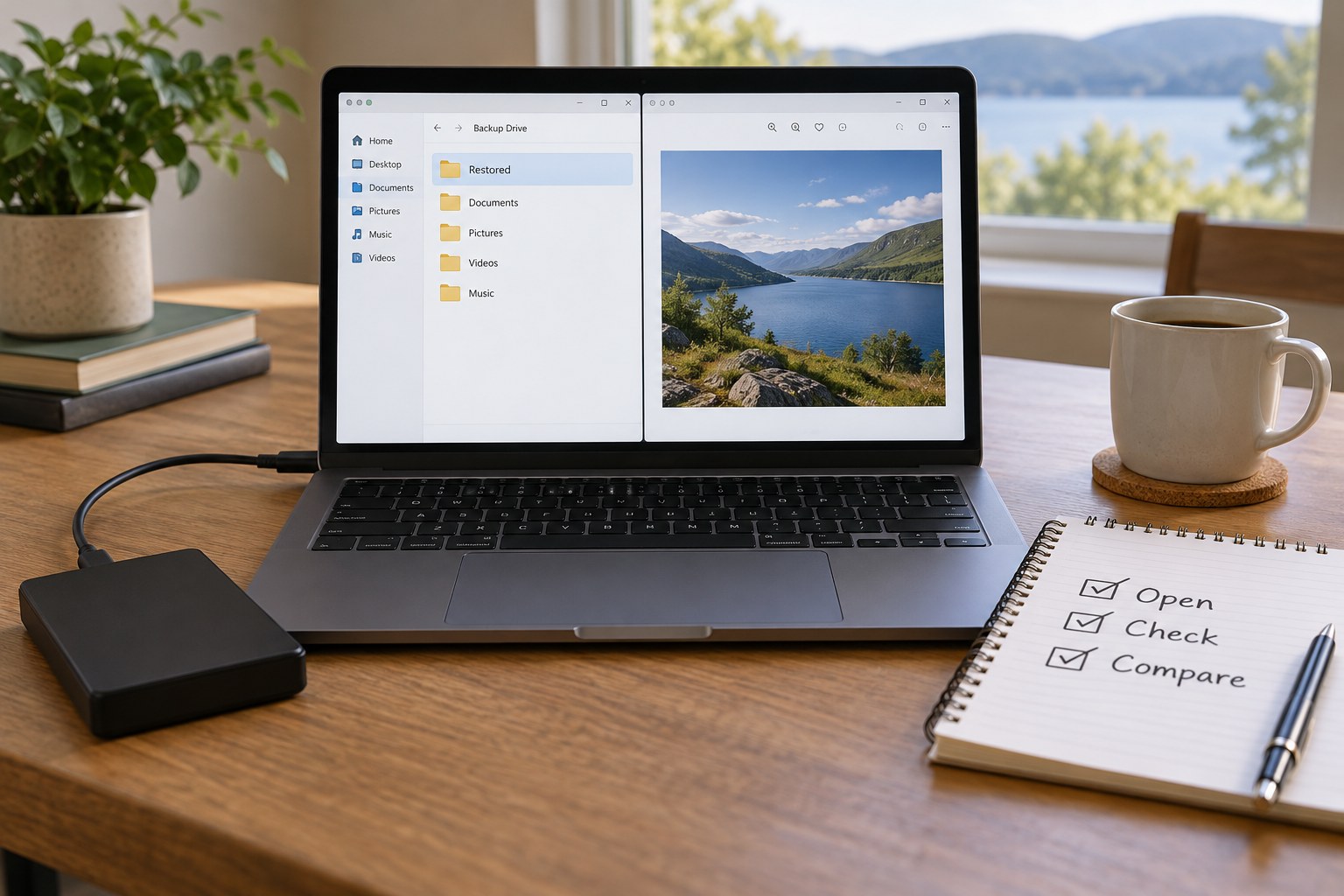
Follow the backup tool's restoration procedure and record which backup date you selected. Once restored, open the files from the test destination. If practical, disconnect the source drive or otherwise ensure the application is not resolving references back to the live library. Do this carefully without deleting or renaming source data. The test should simulate absence, not create actual loss.
Check full-resolution content rather than only thumbnails. A catalog may contain previews while the original image files are missing. Inspect a RAW file in a compatible application and verify that an edited photograph retains the necessary instructions or working file. If the recovered catalog reports missing folders, locate the restored copies through the application's supported relinking method and note the steps required.
Compare counts and file sizes for the selected set. Where your system supports checksums, compare the restored bytes with a known verified copy. A matching checksum establishes byte identity, while opening the photograph checks that the expected content can be interpreted. These tests answer different questions and can usefully complement each other.
A realistic small recovery exercise
Choose one recent outing and restore its originals, the associated edit information and a selected final export. Open a photograph whose crop you remember, then generate a fresh export from the recovered edit. Compare it with the saved final version. Differences may reveal a missing profile, linked asset or application dependency even when every file appears to have transferred successfully.
If the test fails, keep the failure record specific. Missing original files require a different correction from an unavailable password or an unsupported old project format. Fix the cause rather than simply running the same backup again. A restore test is useful precisely because it can expose a gap before a real failure. Do not mark the whole system verified when only one JPEG was opened; describe the components actually recovered and leave untested parts visible in the plan.
Test the information around the photograph
Look for captions, ratings, collections and important versions, not just pixels. Some information may live only in a catalog, while other metadata travels with the image or a sidecar. A backup that recovers original files but loses all selection and editing work may still be incomplete for your needs. Adobe's Lightroom Classic guidance makes clear that backing up its catalog and backing up photographs are separate responsibilities.
Record how long the recovery takes and what it requires: available space, software, credentials, cables or an internet connection. A small sample does not establish the time for the whole library, but it reveals the sequence and possible obstacles. If a password or recovery key is needed, confirm that you can obtain it without relying on the failed device being available.
Keep a brief test record with the backup plan: date, source backup, sample, successful checks and problems found. Correct any missing folder or failed version, run the backup again and repeat the relevant part of the test. Remove the temporary restored copy only after confirming it is the test destination. Repeat the exercise after major workflow changes and periodically enough that the written procedure remains familiar.