A memory card must first match the camera's supported format and requirements. Capacity, interface and sustained recording performance all matter, but they are not the same specification. Begin with the camera manual and any official compatibility information for the recording modes you intend to use. Do not assume that a physically fitting card supports every feature.
List your real workload: single photographs, long raw bursts, high-resolution video or a mixture. A card that works comfortably for occasional stills may not sustain a demanding video mode or clear a burst quickly enough for your next sequence. Conversely, a faster interface the camera cannot use may offer little improvement in capture, even if it helps transfers with a compatible reader.
Separate speed labels from headline numbers
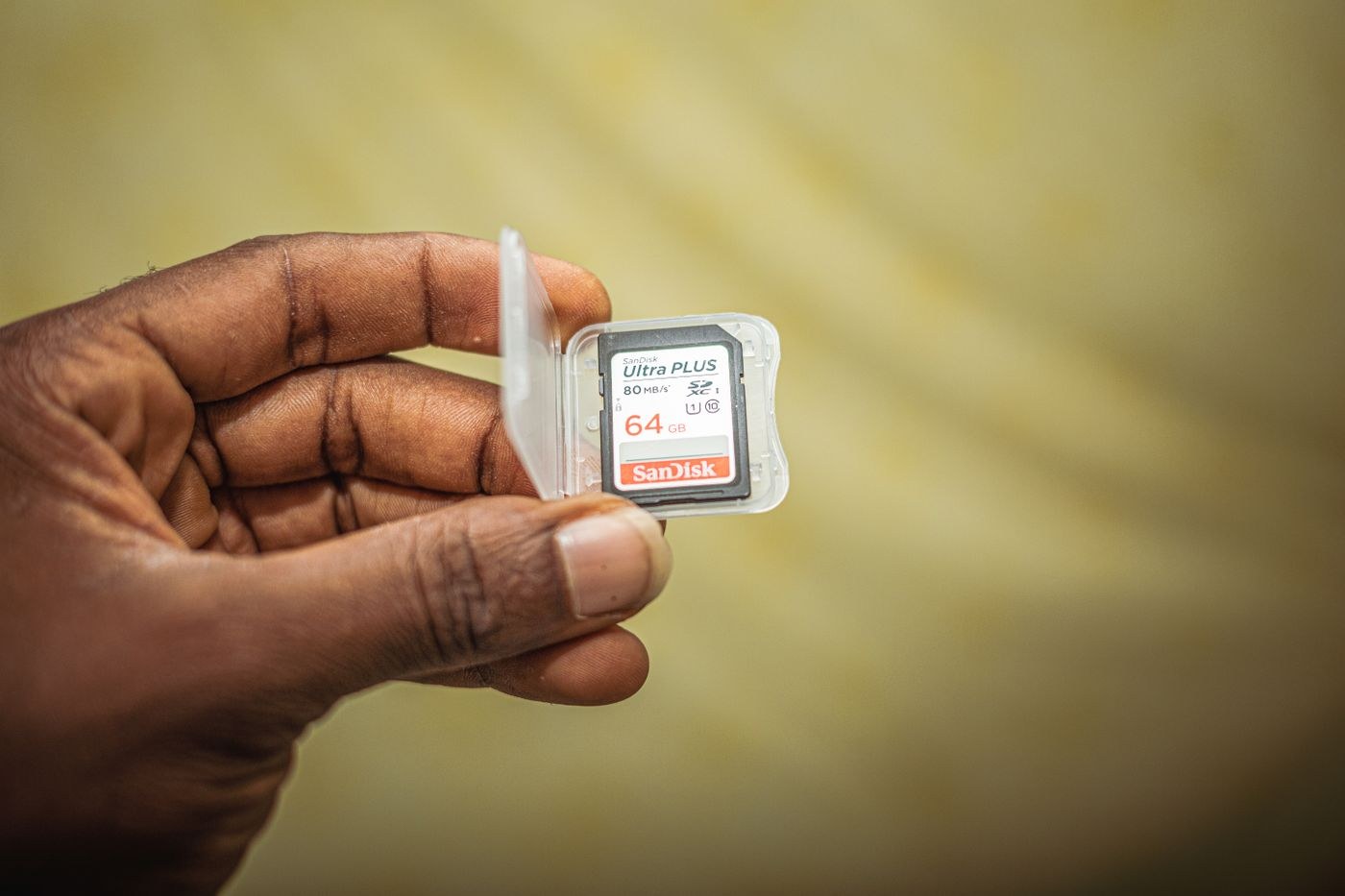
For SD cards, speed classes describe minimum sequential performance under the relevant standard's conditions. The SD Association distinguishes Speed Class, UHS Speed Class and Video Speed Class, among others. Match the marking required by the camera rather than treating every similarly sized number as equivalent. The largest advertised transfer rate may describe reading rather than the sustained writing your recording mode needs.
Capacity determines how much can be stored, not whether the camera can write it quickly enough. Confirm the supported card family and capacity range in the camera documentation. A higher-capacity card is not automatically compatible with an older device. File format and recording settings also change how many images or minutes fit, so use the camera's own estimate as a starting point rather than a universal table.
If the camera has two slots, check whether both accept the same card type and offer the same performance. Backup recording, overflow and split raw/JPEG recording are different behaviours. A slower card in one slot can affect some workflows. Test the mode you will actually use instead of assuming that two inserted cards always provide identical protection or speed.
Test a new card before relying on it
Buy from a source you can identify and inspect the packaging and card for obvious inconsistencies. Keep purchase information in case the product is faulty. No label alone proves reliability, and an unusually large claimed capacity should not replace a practical verification. Use a trustworthy capacity-verification tool if you need to confirm that a new card can genuinely store and read back its full advertised space.
After securing any existing files elsewhere, format the card in the camera according to its instructions. Formatting is not a backup method and can make existing files inaccessible. Record a representative burst or video clip, let the write indicator finish and review the result. Transfer the files and open several on the computer. A brief test cannot guarantee future reliability, but it can reveal an immediate mismatch.
Do not remove the card or battery while the camera is writing. Protect cards in a clean case and avoid touching contacts unnecessarily. If errors appear, stop using the card for new work until the files are secured and the problem is understood. Repeatedly formatting and continuing can make a recoverable situation harder.
Keep a small record for each working card: an identifier, its format and capacity, the camera mode tested and the date of the test. You do not need a complicated database. The record helps distinguish two visually similar cards when one behaves differently, and it prevents an untested spare from being mistaken for the card used successfully last week.
For a burst test, include the pause after the burst, not only the number of frames captured before slowing. A camera may buffer the sequence quickly but take longer to finish writing, limiting the next action. For video, test the actual resolution, frame rate and recording format you intend to use. A short low-demand clip does not validate a more demanding mode.
If a recording stops unexpectedly, preserve what has already been written and note the exact camera mode and warning. Check whether the problem repeats with a known working card in the same mode before drawing conclusions about the new card. A full card, an incompatible format, a camera temperature limit or another recording restriction can resemble a card-speed problem. Consult the specific camera documentation rather than interpreting every stop as proof that a higher advertised speed is required.
If transfer fails on the computer but playback works in the camera, try a compatible reader and a different known working connection without deleting the originals. A reader or cable problem is not the same as a failed card. Keep the card unchanged until the files are safely copied and checked. Once a verified independent copy exists, investigate further using a noncritical test set rather than the only copy of important photographs.
Plan storage and backup separately. A second card may provide redundancy when the camera is configured to write the same files to both, but it does not replace an independent copy after the session. Choose enough capacity for the day's work with a reasonable margin, then build a routine for transfer, verification and reuse. The right card is the one that meets the camera's documented workload and fits that routine.