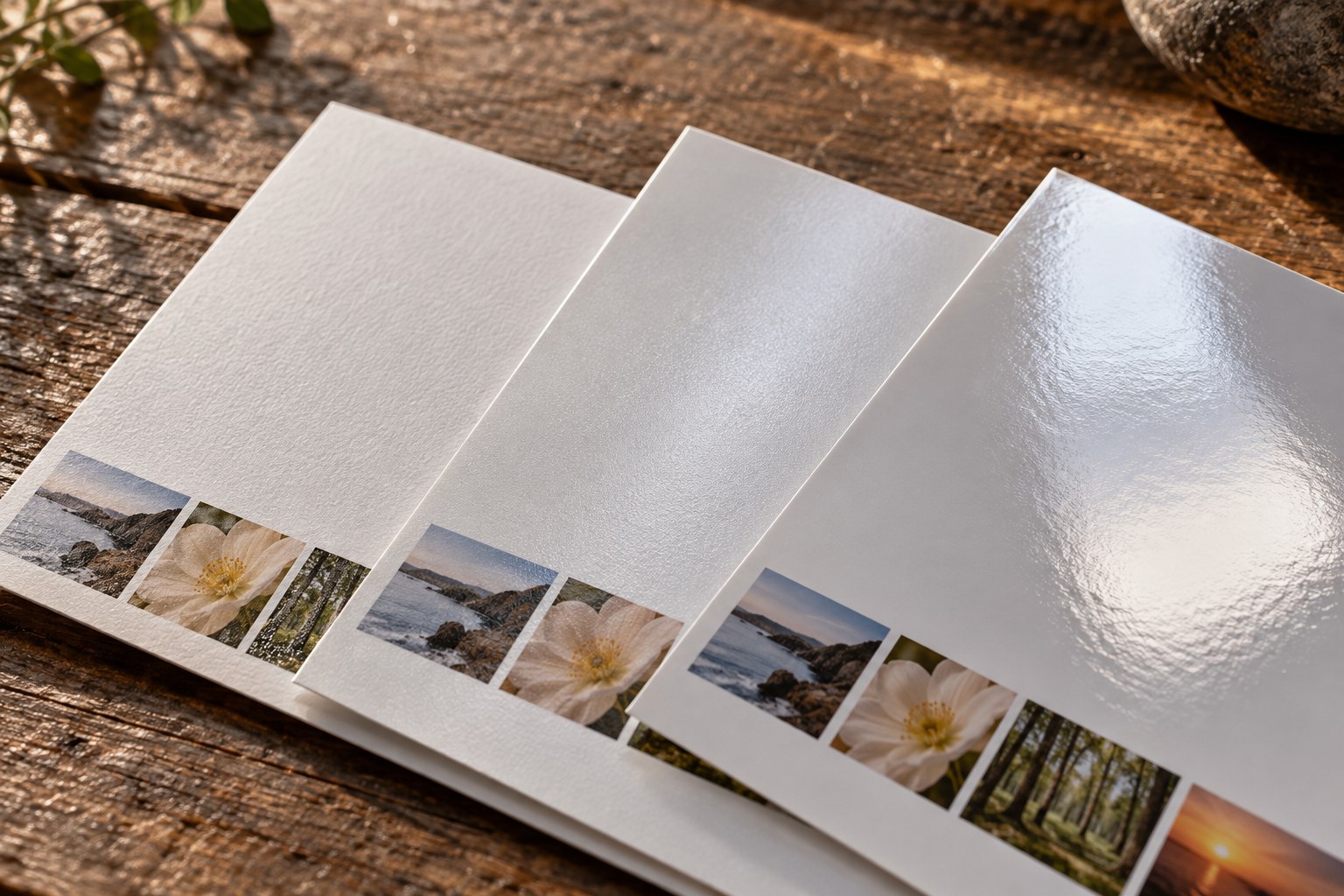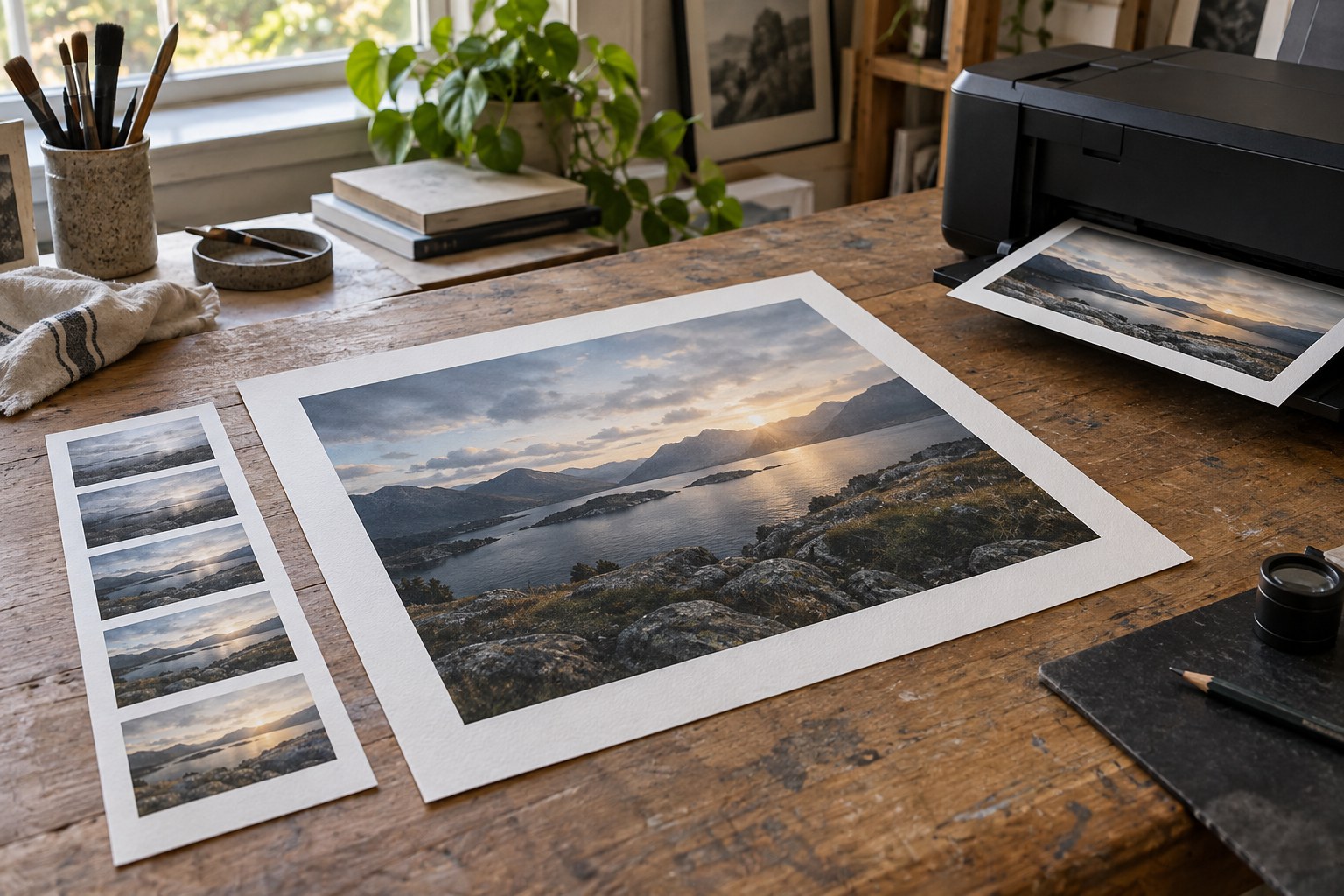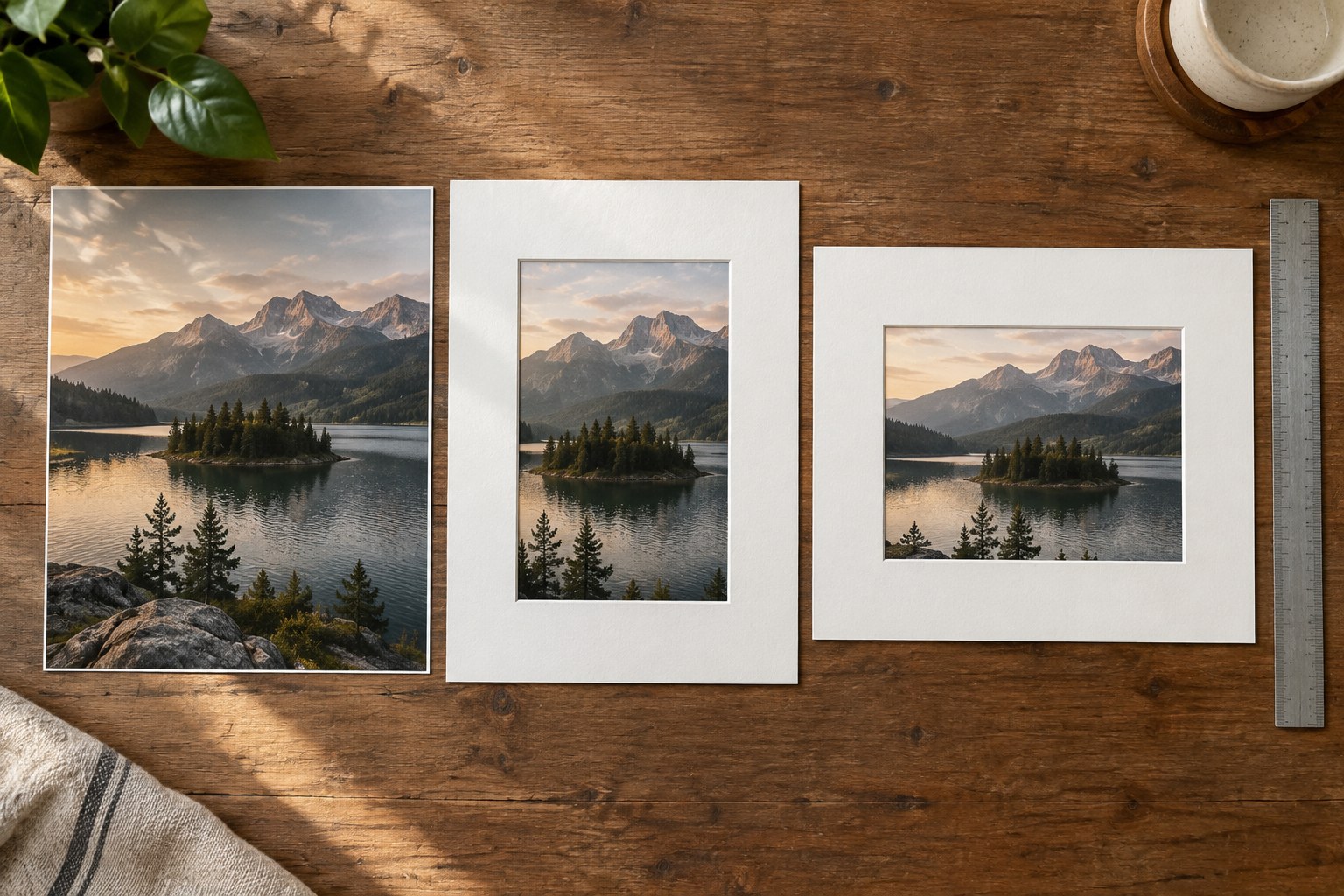
A photograph can fit the paper and still lose something important in the frame. Three rectangles are involved: the image itself, the sheet carrying it and the opening through which it will be seen. Treating them as the same measurement is a common cause of unexpected crops and narrow borders.
Start by identifying the photograph's aspect ratio. A 6,000 by 4,000 pixel file has a 3:2 ratio. A 30 by 20 centimetre image keeps that proportion. A 30 by 24 centimetre image has a 5:4 ratio and therefore needs either a different crop or unused space around the original picture. Changing the number entered as print resolution does not change this geometry.
Decide what may leave the frame
Preview the intended ratio as a crop before placing an order. Move the crop rather than accepting an automatic central cut. Check hands, rooflines, the direction a person is looking and any subject close to a corner. A small loss of sky might be harmless; the same reduction at the bottom could cut through a foot or remove the base that makes a building feel stable.
If the photograph needs its original proportions, choose a border or a different paper size. Unequal border widths are not necessarily an error. They may be the honest result of placing one ratio inside another. Decide whether the borders should be centred, deliberately weighted or hidden by a mount.
Measure the frame's visible opening as well as its stated nominal size. A lip or mount can overlap the print. Keep important content away from the covered edge and ask the framer how much overlap is required. Do not add that overlap blindly to an already borderless service order, because the service may apply its own trimming allowance.
Make a paper mock-up
Cut or fold ordinary paper to the proposed outer size and mark the image rectangle inside it. Place it where the print will be viewed. This reveals whether the image feels too small within a generous border or too crowded in a tight opening. It also makes portrait and landscape arrangements easier to compare than a number on a screen.
Write the final decision as separate values: sheet size, visible image size, border arrangement and frame opening. Send these clearly if another person prepares the file or frame. Keep a copy with the order. A successful print size is not merely a dimension the service accepts; it preserves the composition in the physical presentation you actually intend to use.