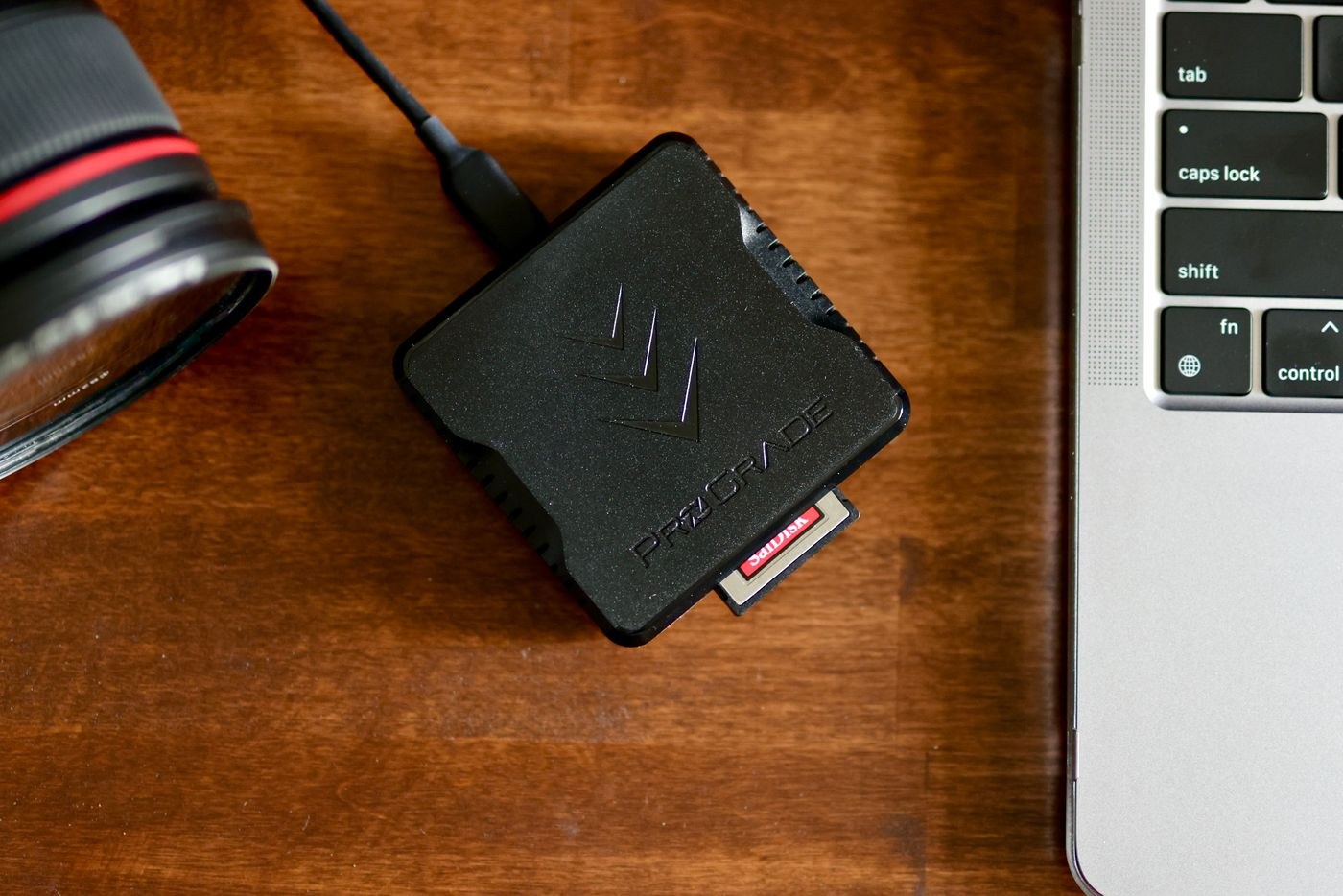
Check the card type and the reader's supported formats before connecting anything. Similar-looking slots do not guarantee compatibility, and a cable can limit the connection even when both reader and computer are capable of more. Use a stable port and place the reader where the card cannot be knocked during a transfer. Avoid leaving it hanging from a short cable under tension.
Create the destination folder before starting the import. Use a date and a short event or subject description that will still make sense later. Decide whether the software will copy files, reference them where they are, or move them. For a removable camera card, a copy to permanent storage is normally the intended operation. Confirm that destination in the actual import interface rather than relying on yesterday's setting.
Make the first transfer a test
Import a small set and open several files at full size from the destination. Include a RAW file if that is part of your workflow, not only its JPEG companion. Check the count and file sizes, and use a verified-copy or checksum function when available. A visible thumbnail can come from a preview and is not proof that the entire original is intact.
For subsequent imports, keep the same sequence: connect, identify the card, choose the destination, copy, verify and make a separate backup. Record whether a card has already been imported if several cards are in use. Duplicate detection can help, but do not let it replace a clear record of what you transferred and where.
Wait for copying and any verification activity to finish before safely ejecting the card or reader through the operating system. If a transfer fails, keep the original card unchanged while investigating the cable, port or destination space. Repeatedly deleting partial copies and reformatting the source makes it harder to understand what happened.
Only reuse the card after the photographs exist in the intended location and the backup you require has been checked. Keep import software preferences documented with a screenshot or short note if you share the computer. The routine should be understandable enough that a missed step is visible, rather than depending on remembering which button you usually click.