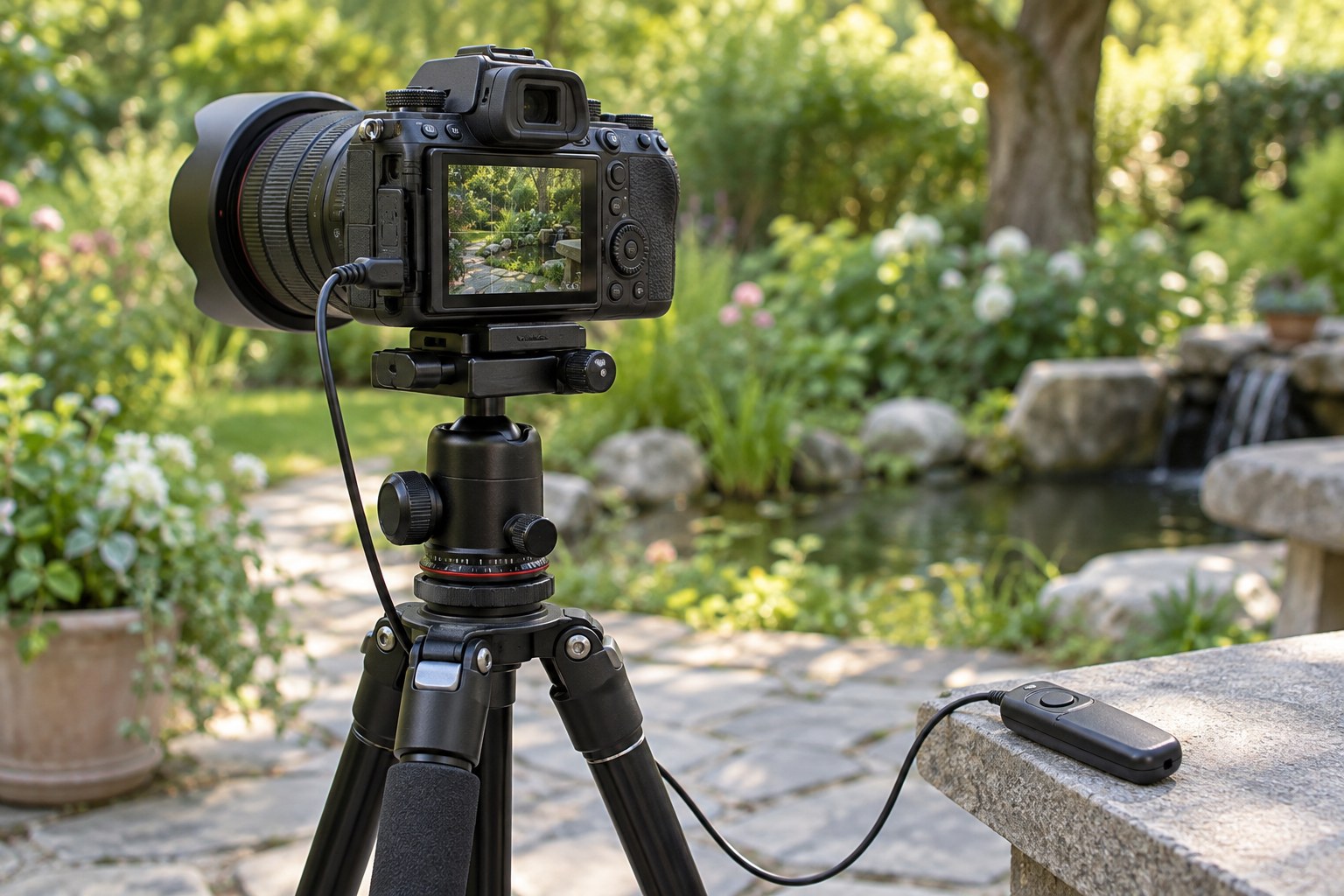
A remote release is useful when pressing the shutter would move the camera or when you need to trigger it from another position. It does not make an unstable tripod stable, and it does not prevent subject movement. Start by securing the camera and composing the photograph, then choose the simplest release method that fits the task.
For a still scene, the camera's self-timer may be sufficient. A wired release gives direct control without touching the body, while a wireless or phone-based method can work from farther away. Compatibility varies by camera and connection. Confirm the exact model and function rather than assuming that a plug shape or brand name is enough.
Test the release before working in difficult light. Check whether a half-press activates focus, whether a full press starts the exposure and whether the camera waits for focus confirmation. If focus changes every time you trigger it, decide whether that is useful. For a fixed still life, carefully set focus and keep it consistent through the sequence.
Route a cable with enough slack that it does not pull on the camera, but keep it from catching a leg or passing foot. Hold the release gently or place it on a stable surface. A swinging cable in wind can transmit movement. Wireless systems avoid that cable but introduce their own battery, connection and range considerations.
For long exposures, confirm how the release starts and ends the exposure and how the camera indicates that recording is still in progress. Some modes require holding a button, some use a lock and others use separate presses. Follow the equipment's instructions and make a short test before attempting a lengthy frame.
If using a phone application, establish the connection and check the camera's response before the critical moment. A delayed preview or lost connection can make timing uncertain. Do not assume the displayed image is live with no lag. Keep the phone secure and avoid leaving it balanced on the tripod where a touch could disturb the setup.
After triggering, wait for recording and any processing to finish before moving the camera. Inspect a magnified stationary detail for vibration. If it remains soft, investigate the support, wind, focus and shutter method rather than blaming or trusting the remote alone. The release removes one source of disturbance; the rest of the setup still determines the result.