Start by identifying each cable while it is connected. Label both ends when several leads look alike. A label such as camera tether or archive drive is more useful than a colour you may forget. Keep power and data requirements distinct: a connector fitting into a socket does not establish that the cable supports the transfer or charging task you need.
Disconnect unused leads and inspect the remaining ones for damaged insulation, bent connectors or unreliable connections. Replace suspect equipment rather than hiding it in a cable sleeve. Arrange power supplies with the ventilation and spacing their manufacturers require. Do not pack hot adapters into a closed box simply to make the desk look tidy.
Give frequently moved equipment a clear cable route. A card reader should reach a stable surface, and a tethered camera needs enough slack for the intended movement without a loop on the floor. Use appropriate strain relief where supported, but do not place tension on a camera port or trap the cable in a sharp bend. Keep the route away from chair wheels and foot traffic.
Group by use, not by appearance
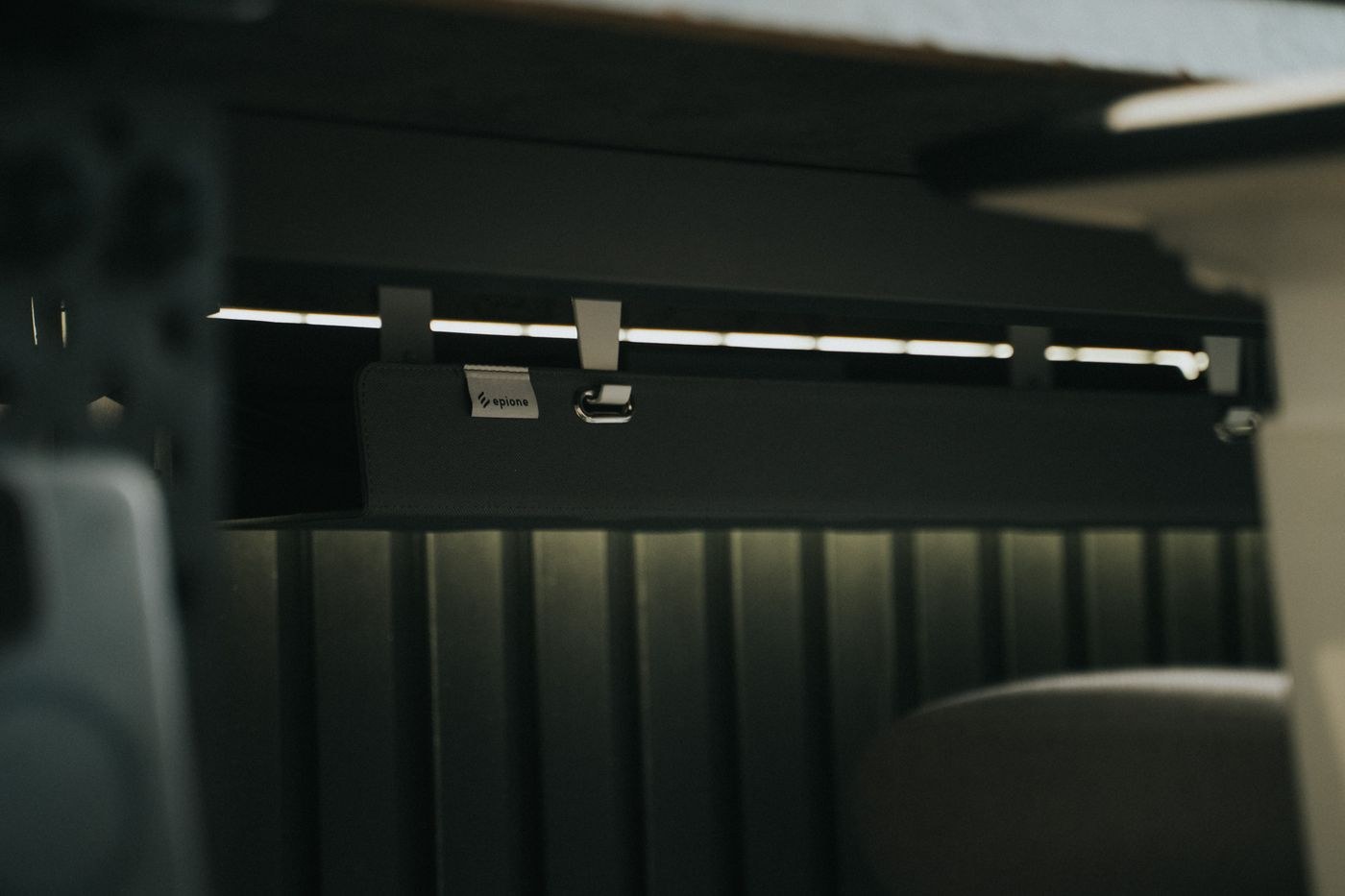
Separate the connections you use every day from occasional accessories. A removable tie can gather related cables without making future changes difficult. Avoid tightening bundles until the insulation is compressed. Leave the connectors visible enough to identify and unplug individually, especially for drives that must be ejected before disconnection.
If you use a hub, check its supported functions, power requirements and shared bandwidth against the devices attached. Test a large photo transfer with your usual equipment connected. A tidy setup that repeatedly disconnects a drive is not finished. Keep a direct connection available for diagnosing whether a problem comes from the cable, hub or device.
Photograph the working arrangement and make a short list of which ports serve which devices. Then move the chair, open a drawer and reposition the monitor as you normally would. Nothing should catch or tug. Store spare cables separately with their purpose labelled, and remove obsolete leads from the active desk. The result should make a failed connection easier to find, not merely conceal it behind the monitor.