Editing & colour
Set a neutral starting point for white balance
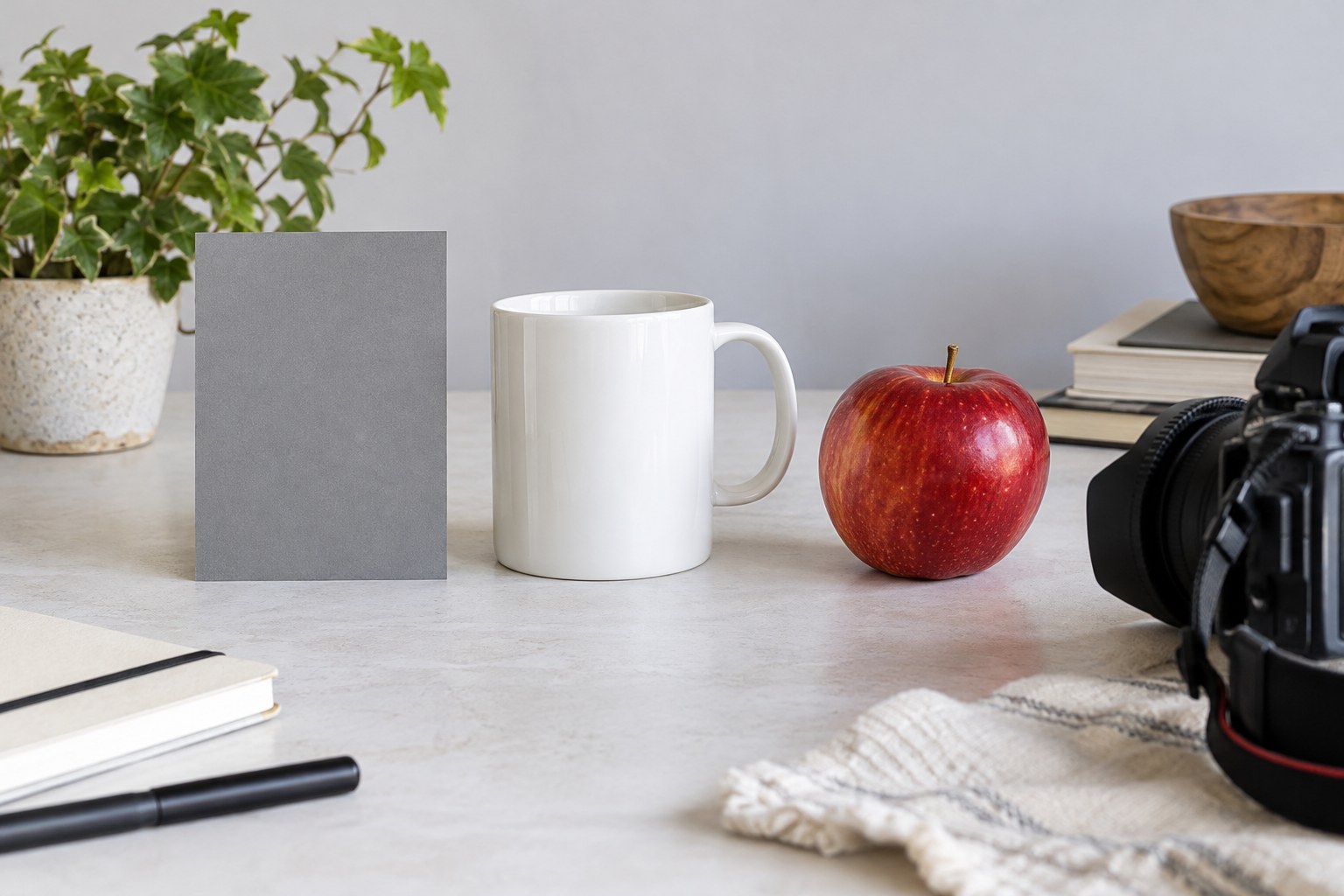
Use a neutral reference to establish a starting point, then judge whether the scene needs to retain the colour of its light.
Journal / 020
Search the journal and explore individual questions about photography.
20 articles
Editing & colour
Use a neutral reference to establish a starting point, then judge whether the scene needs to retain the colour of its light.
Editing & colour
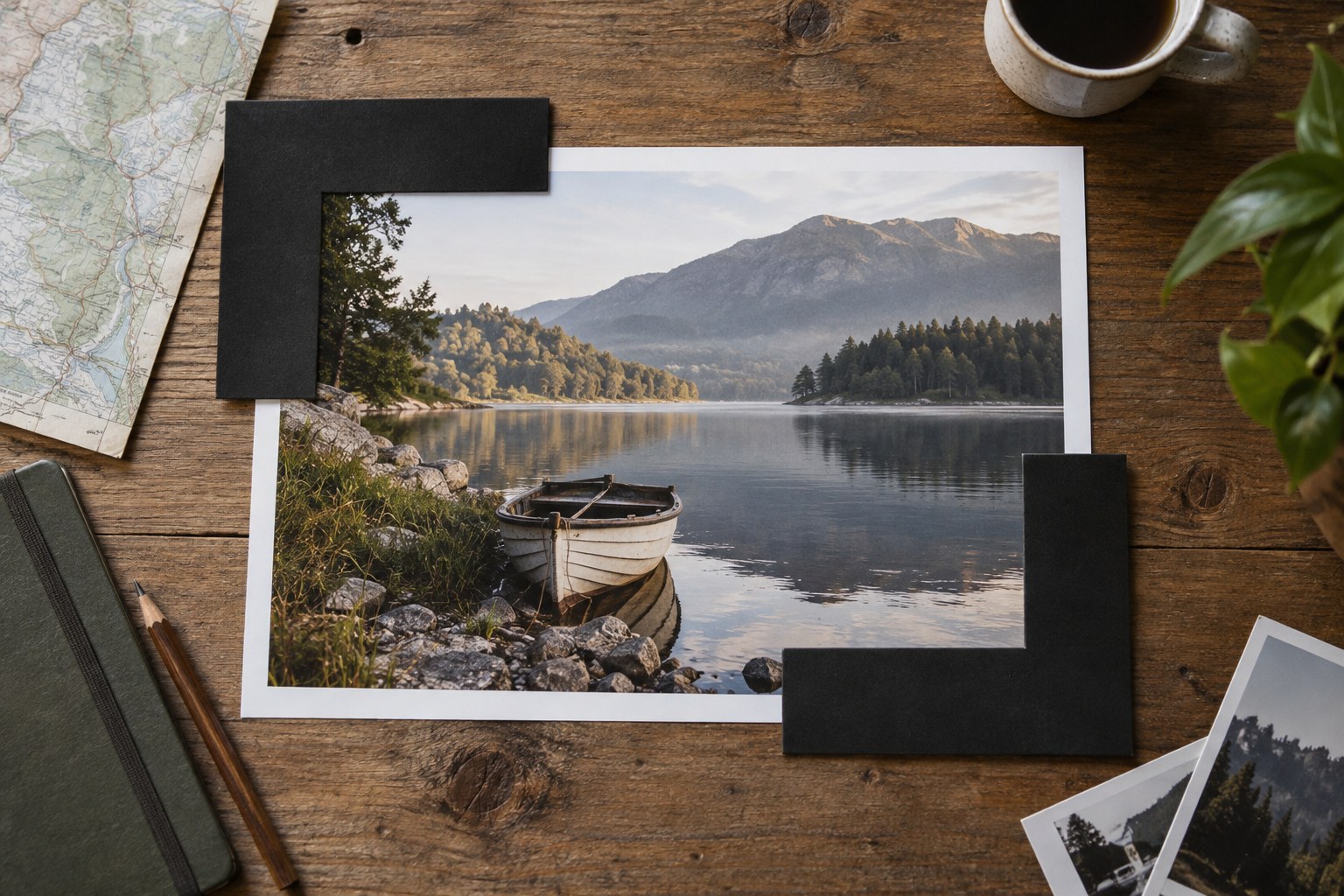
Use cropping to clarify relationships inside the frame, and check what the new edges remove as carefully as what the centre gains.
Editing & colour
Recover bright detail selectively, while keeping the rest of the photograph's light relationships intact.
Editing & colour
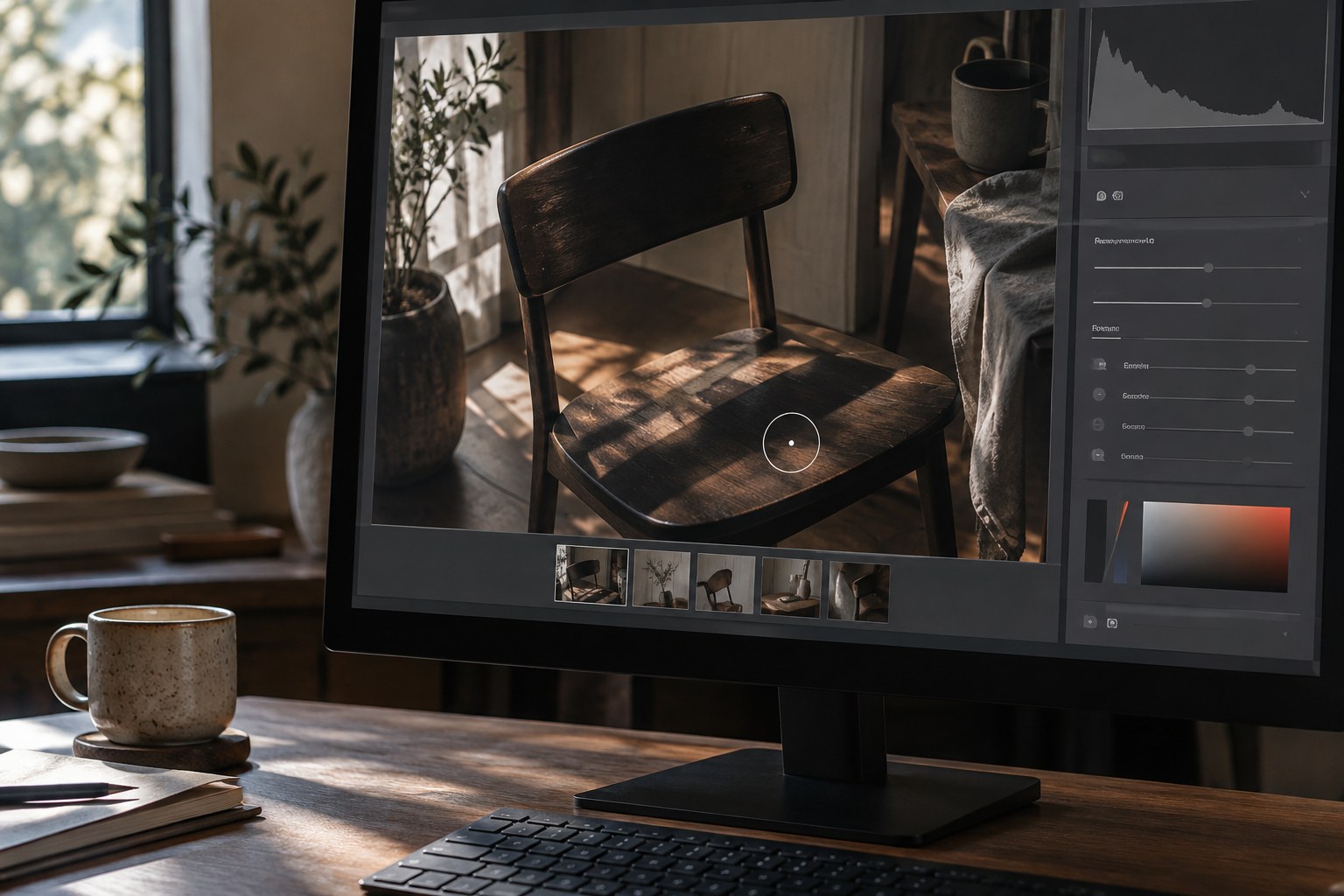
Open a shadow enough to reveal its role, but leave it darker than the surfaces receiving the light.
Editing & colour
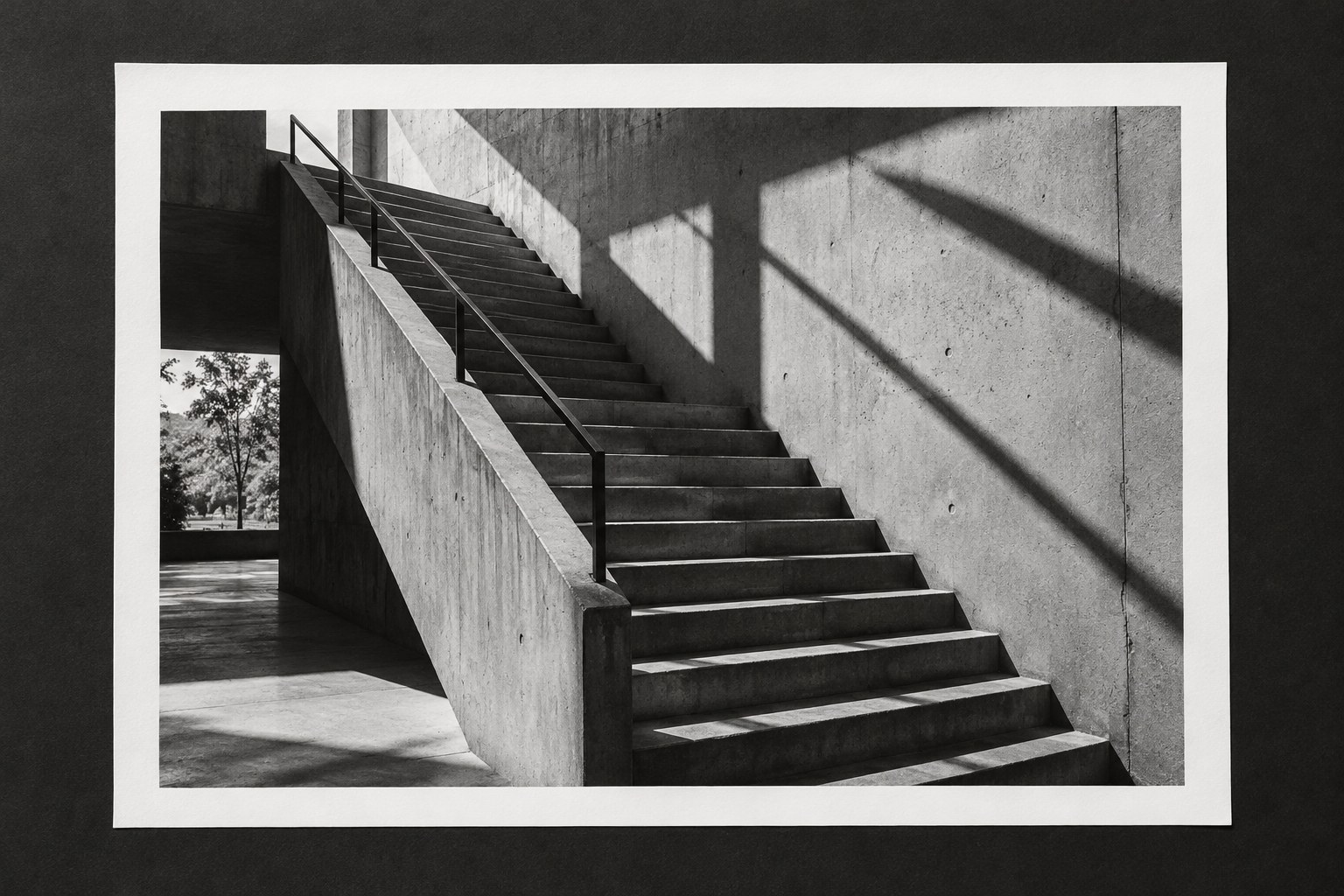
Convert to black and white when tonal relationships strengthen the photograph, then shape those relationships without treating colour as irrelevant source information.
Editing & colour
Skin colour depends on the person and the light. Correct unwanted casts without forcing different complexions toward one preset target.
Editing & colour
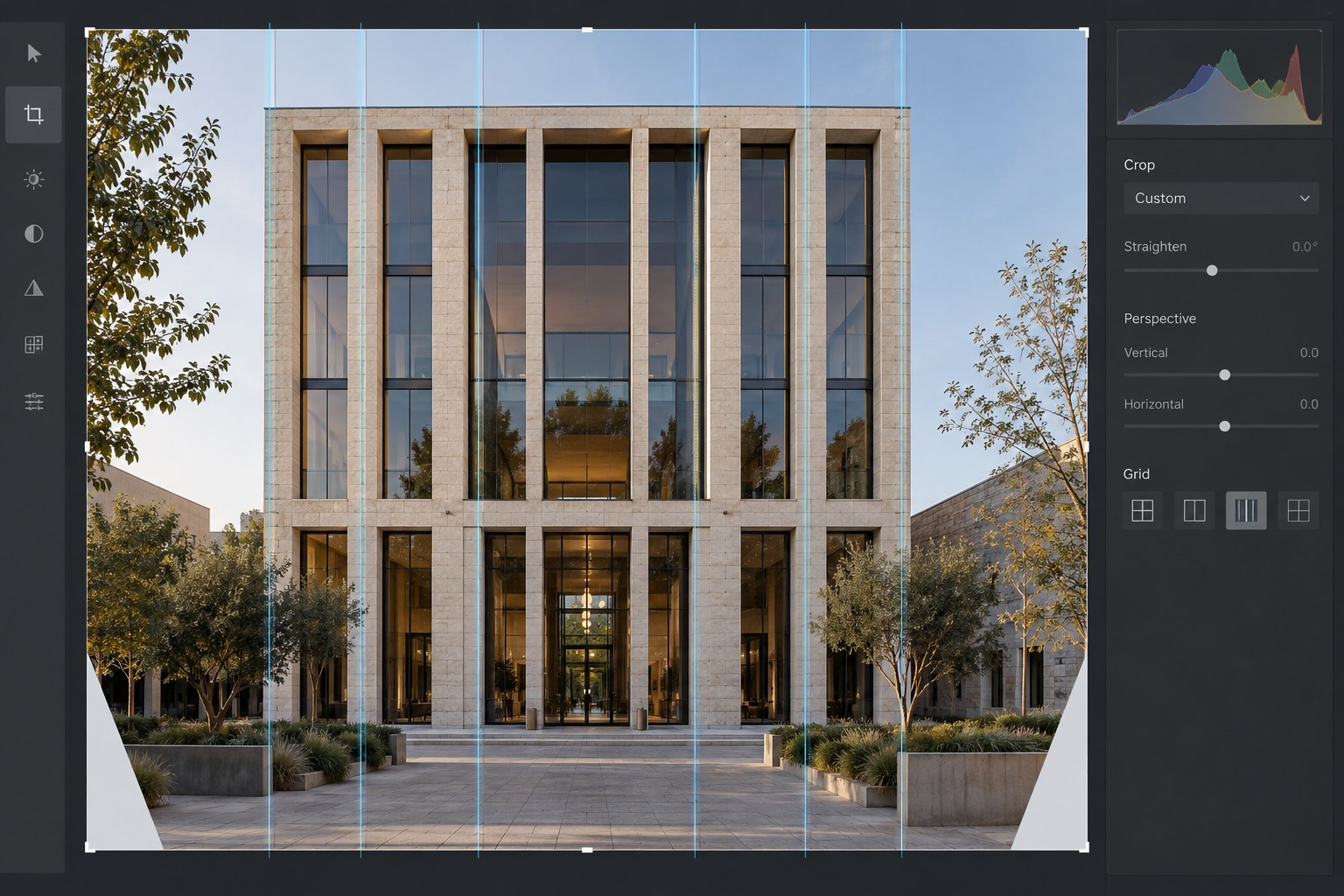
Straightening architecture involves rotation, perspective and cropping. Correct them in a deliberate order and check whether the building still looks plausible.
Editing & colour
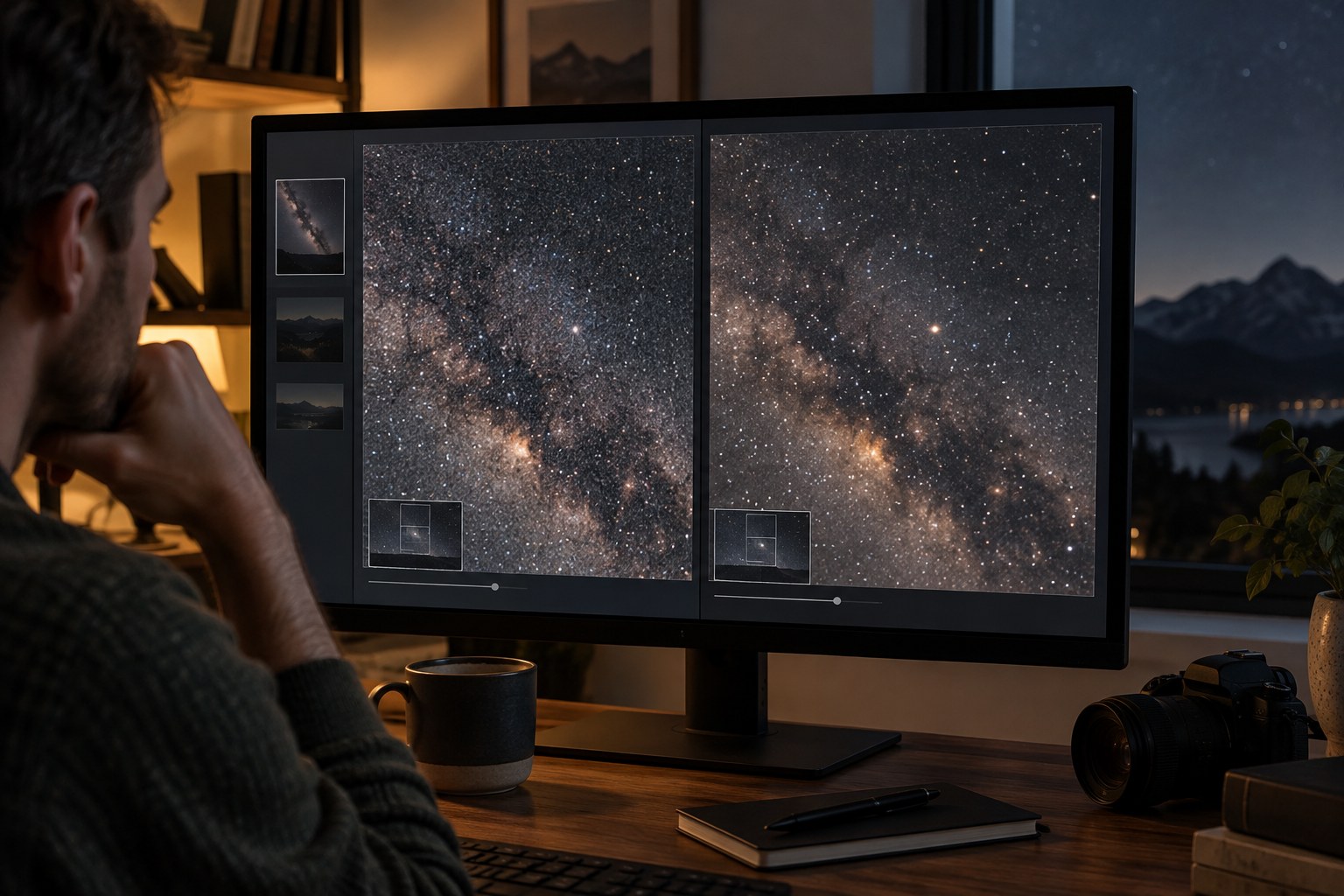
Noise reduction is a trade between unwanted variation and real detail. Judge that trade at the size the photograph will actually be seen.
Editing & colour
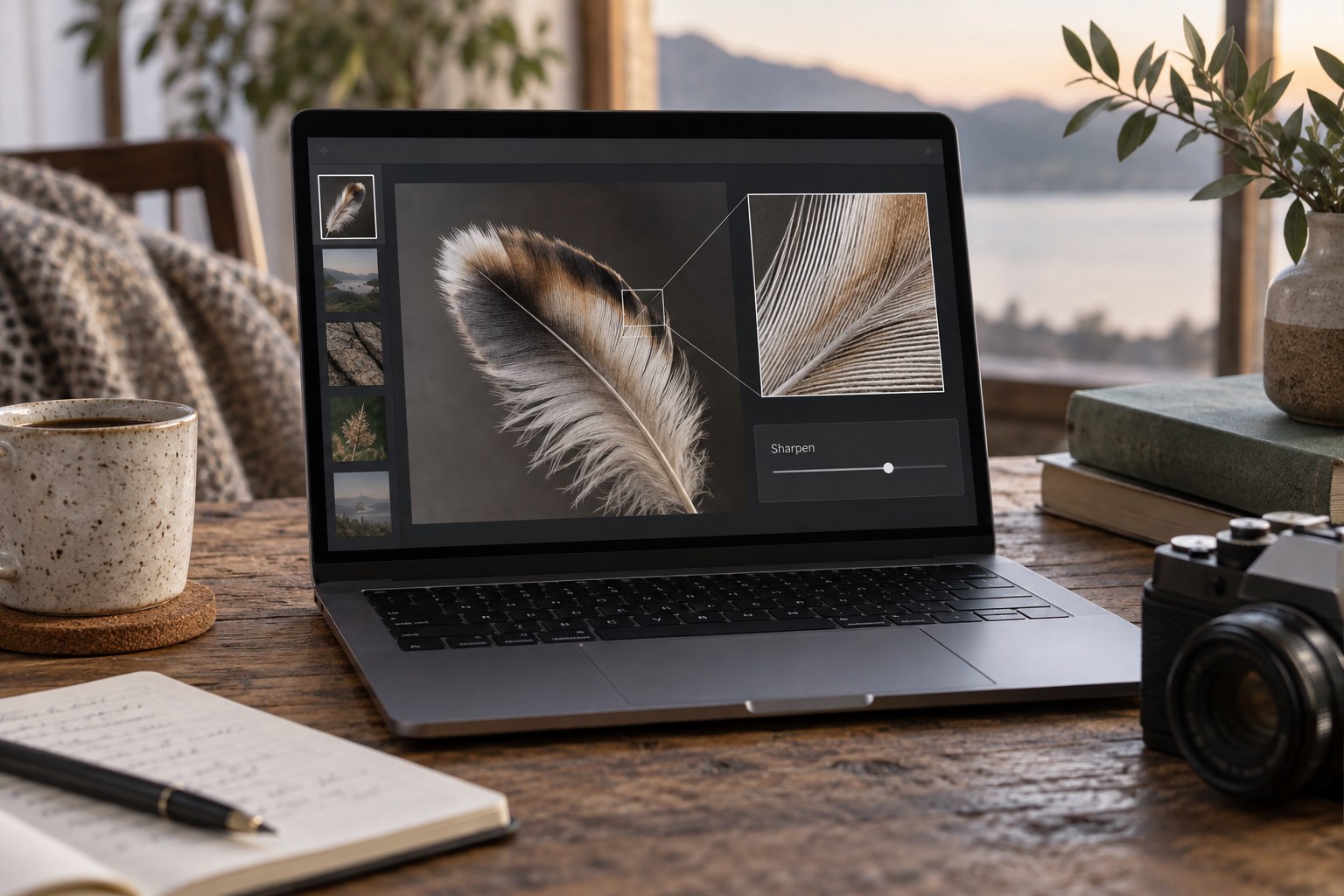
Output sharpening belongs to a particular size and medium. Apply it to the resized derivative while preserving an unresized editable master.
Editing & colour
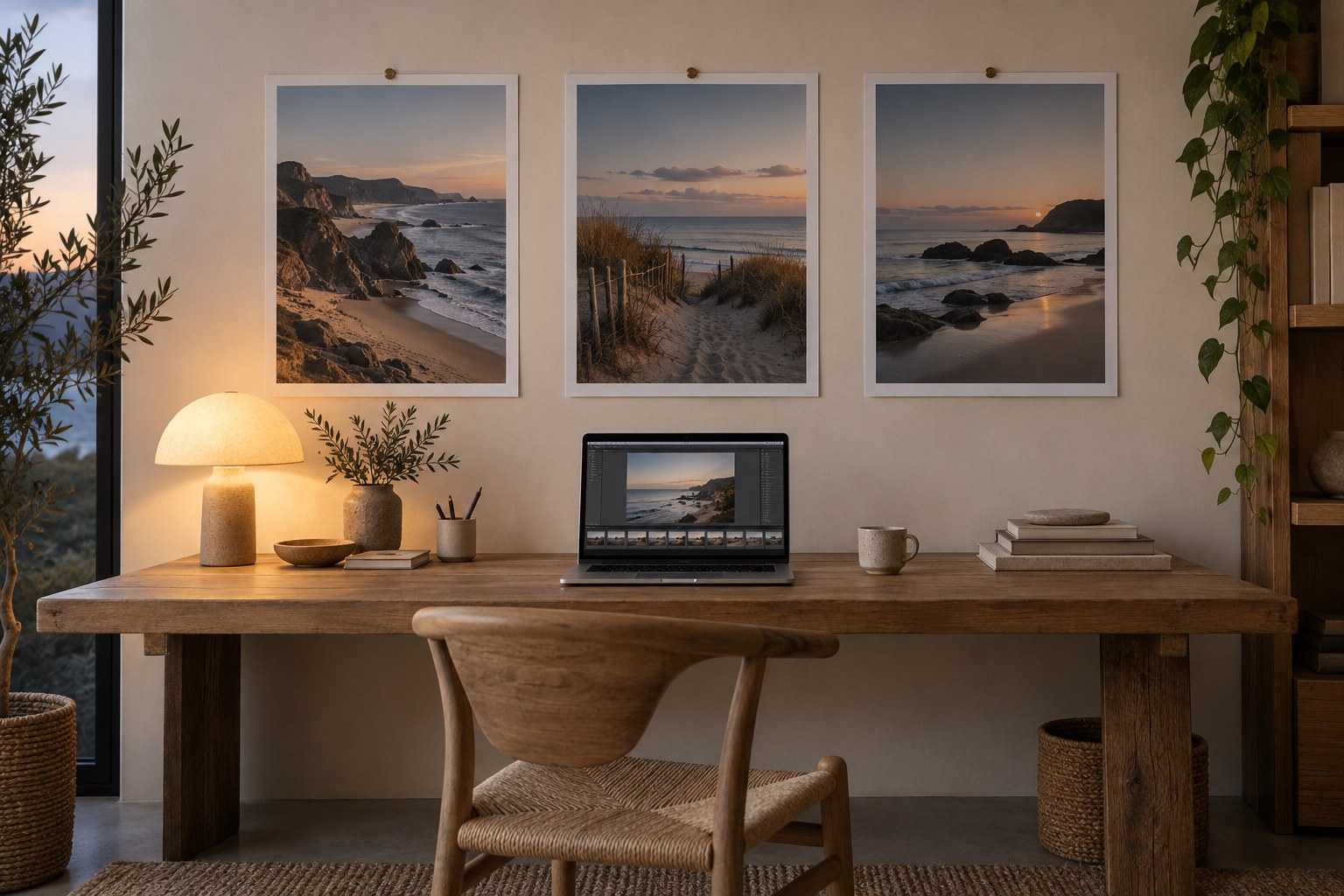
Match the interpretation of comparable light across a series, while preserving genuine differences between locations and times of day.
Editing & colour
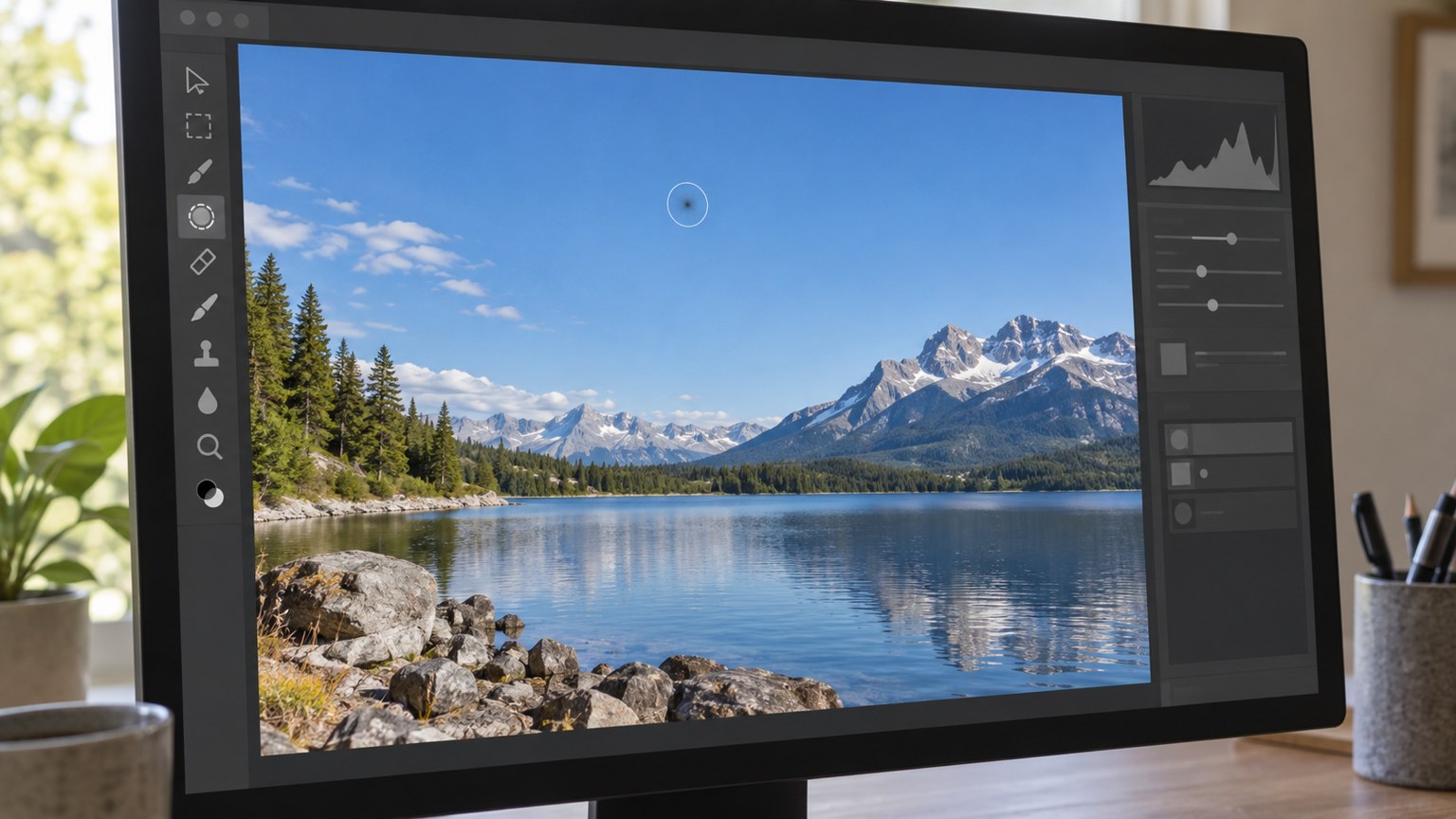
Remove a sensor-dust spot by replacing the small defect, while leaving genuine objects and surface marks alone.
Editing & colour
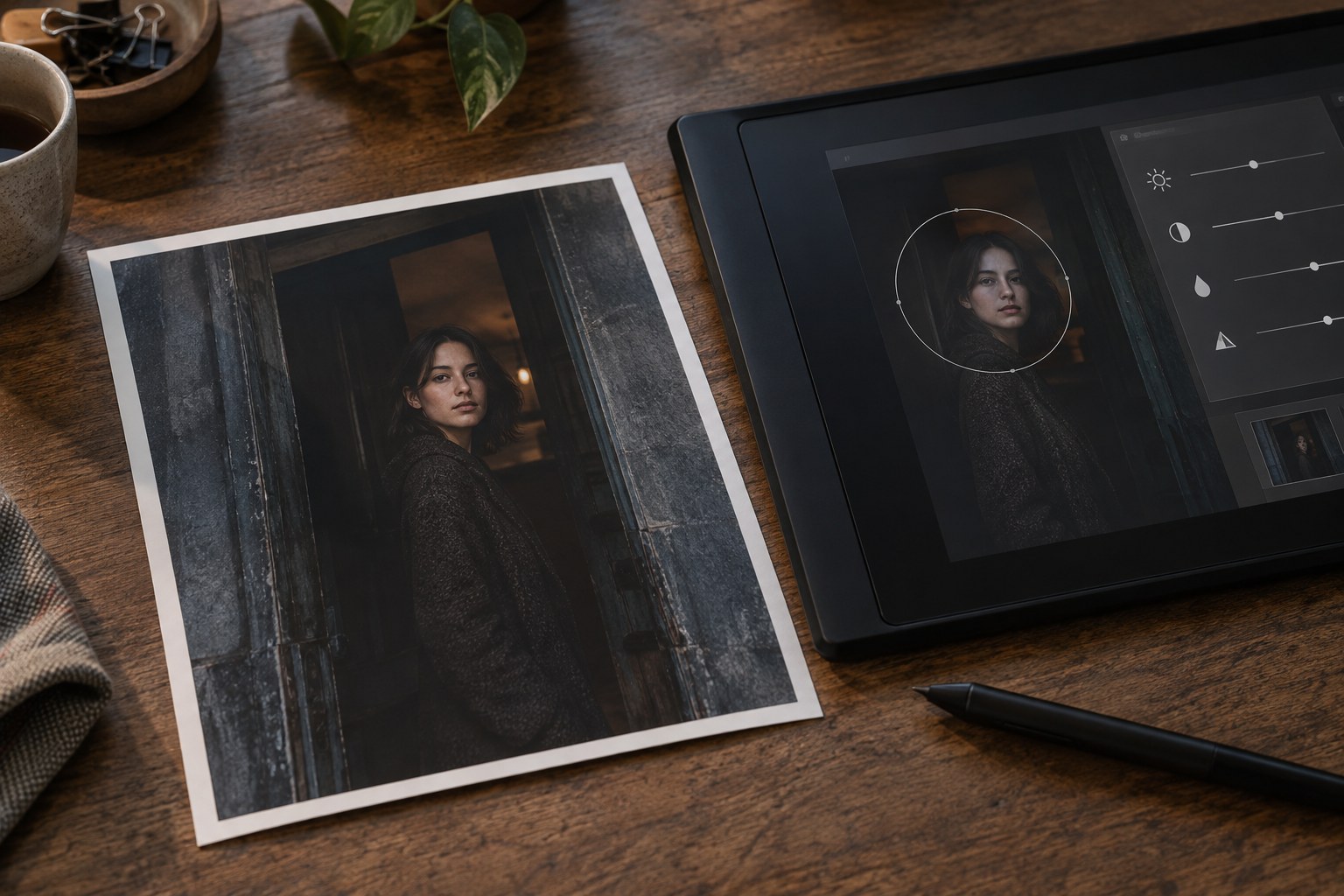
Local adjustments can clarify an existing visual hierarchy. Begin with the part of the image that needs attention, not with a collection of dramatic masks.
Editing & colour
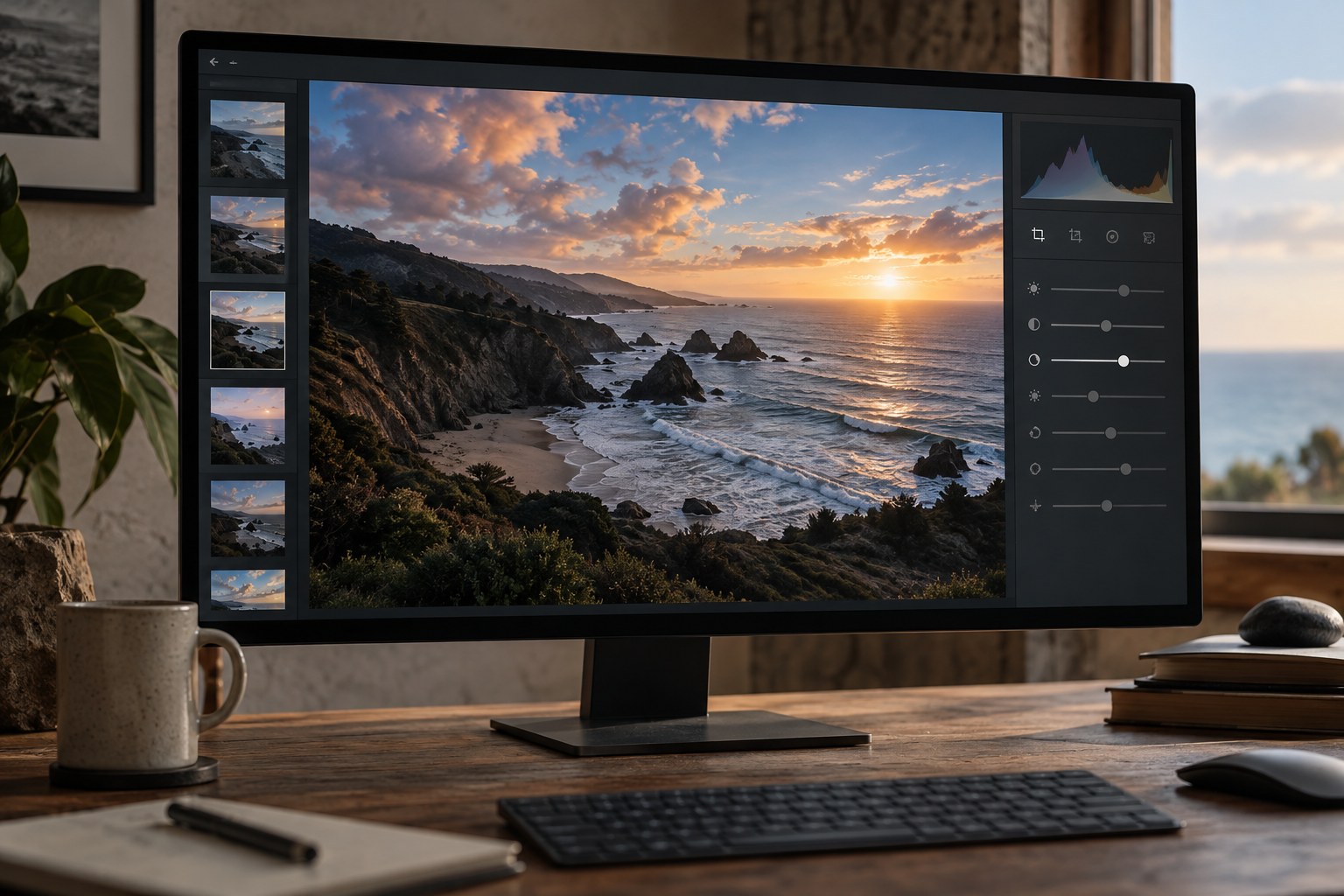
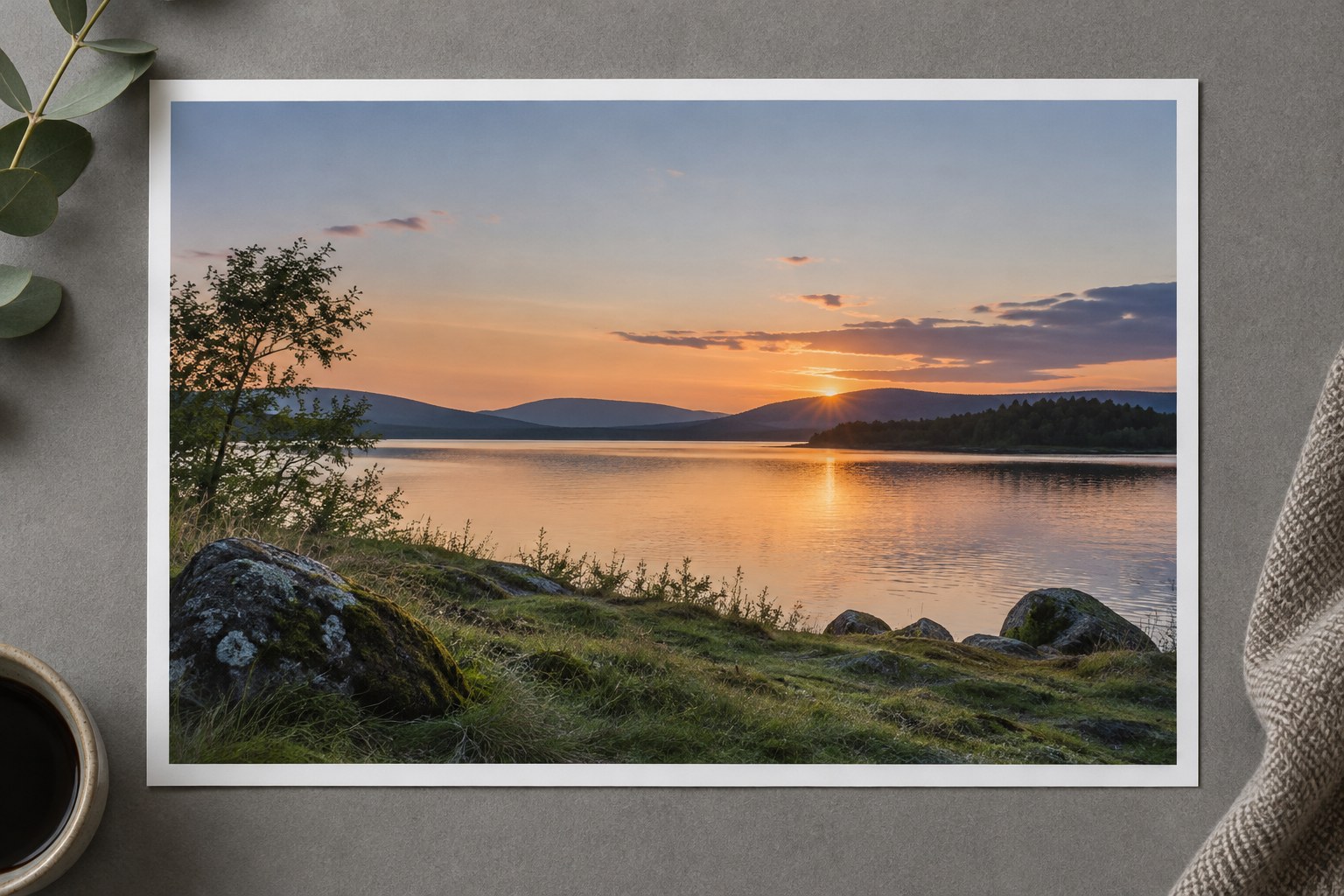
Preserve the range of colours in a sunset instead of turning sky, clouds and foreground into the same warm tone.
Editing & colour
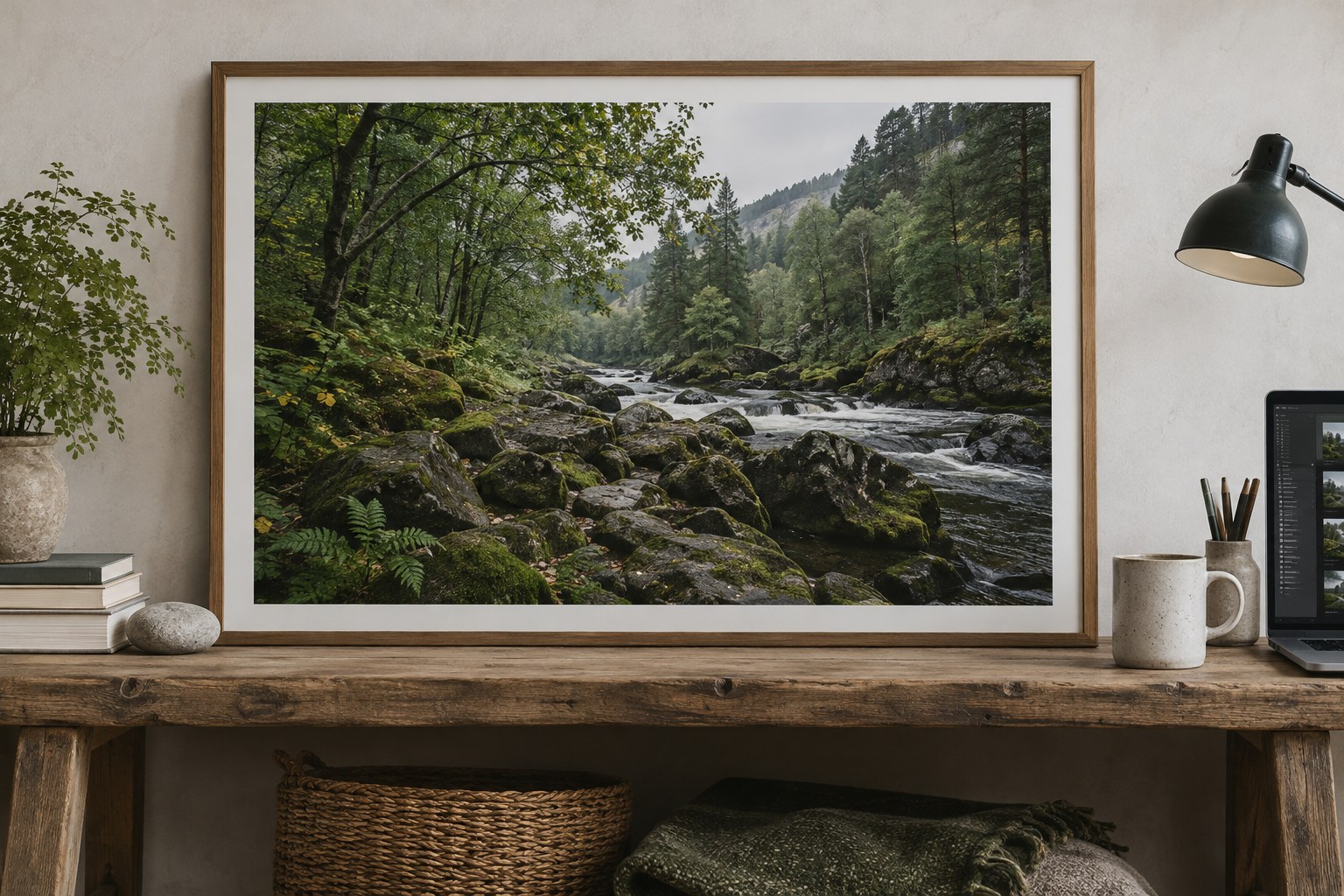
Woodland greens contain differences in light, material and distance. Preserve those differences instead of making every leaf equally vivid.
Editing & colour
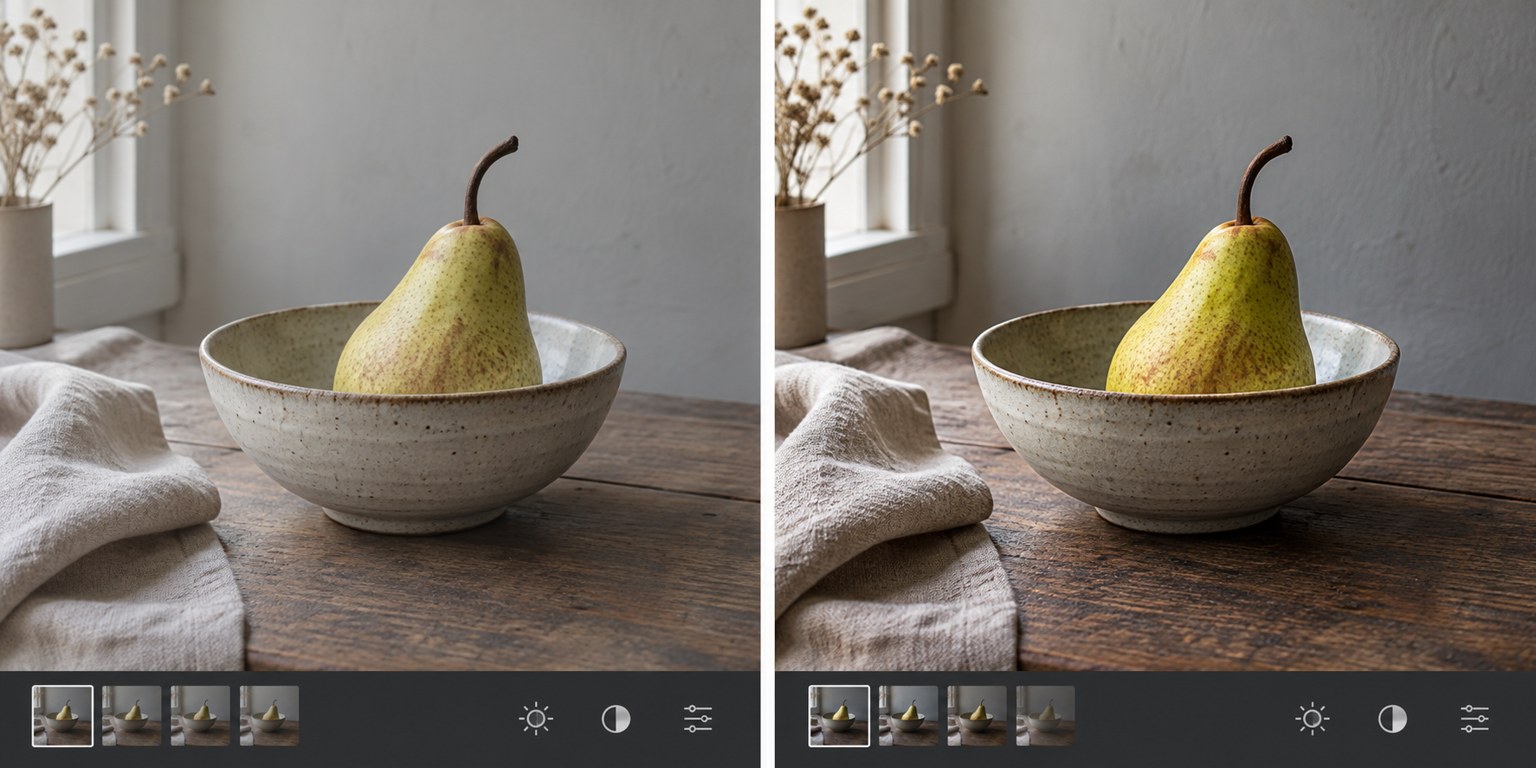
Compare a developing edit with its starting point under consistent viewing conditions, then judge each major change by its purpose.
Editing & colour
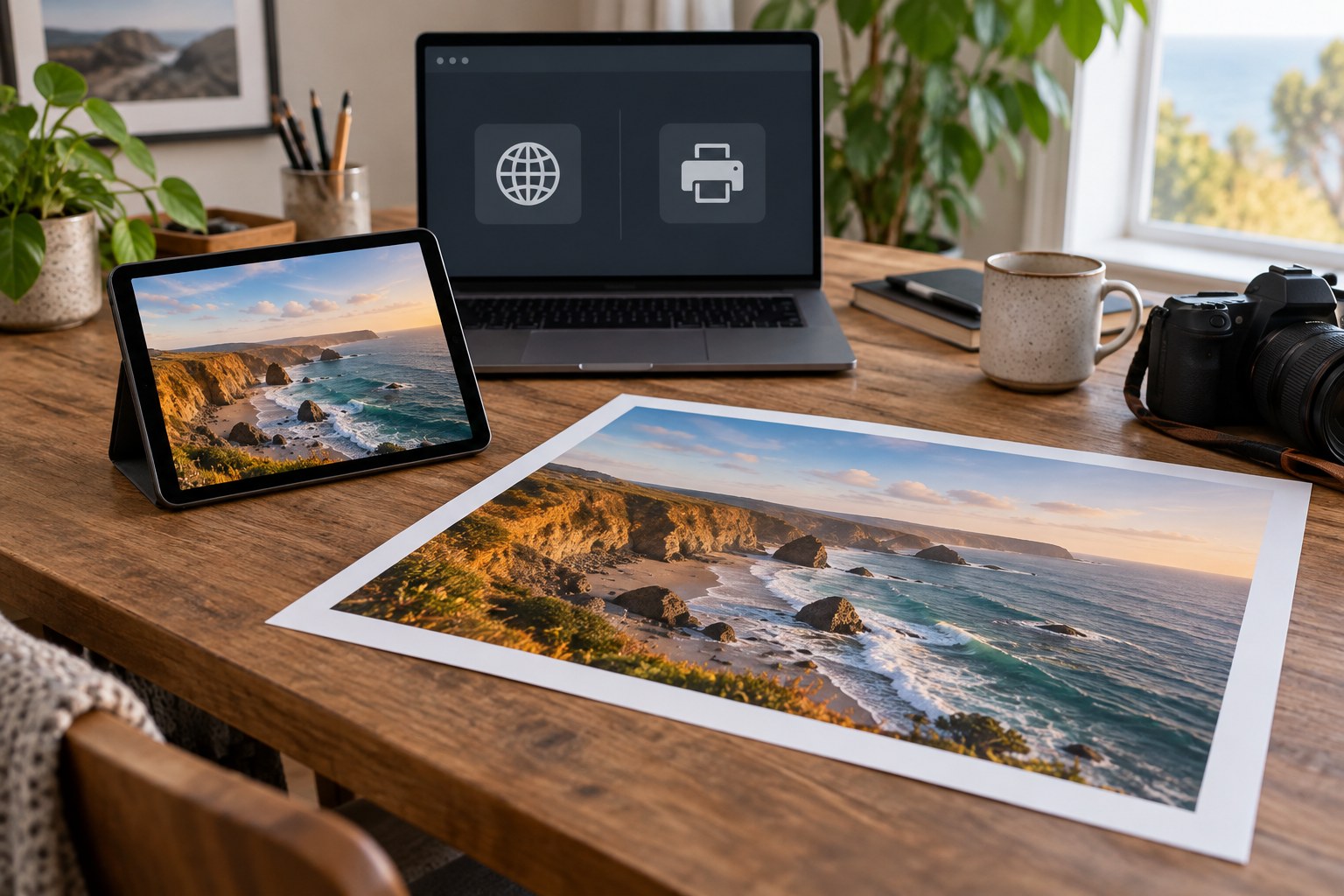
Make web and print files from the same edited master, with dimensions, colour handling and sharpening chosen for each destination.
Editing & colour
Separate file, application and display differences before changing an edit to compensate for another screen.
Editing & colour
Choose pixel dimensions from the way a gallery displays images, then inspect the exported file rather than relying on a quality slider alone.
Editing & colour
Use a short editing checklist to catch recurring omissions while leaving room for the photograph to need a different treatment.
Editing & colour
Recognise when another adjustment changes the character of a photograph without solving an identifiable problem.
No matching articles. Change the search or clear the selection.